Summer vs winter: how airlines rebuild the schedule twice a year
Airlines don't run one schedule — they run two, rebuilt every season. Here's why the summer and winter schedules differ, how the seasons are defined, and why 'what changed' is the question that never goes away.
Airlines don’t publish a schedule. They publish a summer one and a winter one,
and they rebuild each from the ground up. Understanding why the industry works in
seasons — and what that does to the data — explains a lot about why “what changed
between these two files” is the most-asked question in any schedule team.
Two seasons, defined
The industry runs on two scheduling seasons, aligned with the slot calendar and
daylight-saving changes:
Season
Runs roughly
Northern Summer (S)
Last Sunday of March → last Saturday of October
Northern Winter (W)
Last Sunday of October → last Saturday of March
Every airline builds a distinct schedule for each, and the slot
system allocates capacity season by season to
match. The changeover weekends are among the busiest in planning and operations.
Why the two schedules differ
A winter schedule isn’t a summer schedule with the dates changed. The whole shape of
demand moves, and the network moves with it:
Demand shifts. Leisure flows chase the sun and the snow; business travel has its
own rhythm; school holidays and public holidays fall differently. The markets that
need capacity in July aren’t the ones that need it in January.
Seasonal routes appear and vanish. Ski destinations, Mediterranean beach routes,
and summer-only long-haul come and go entirely between seasons.
Frequencies flex. A route might run twice daily in peak summer and three times a
week in winter.
Fleet is redeployed. The same scarce aircraft — scarcer than ever, given the
delivery backlog — get moved to where
the season’s demand is.
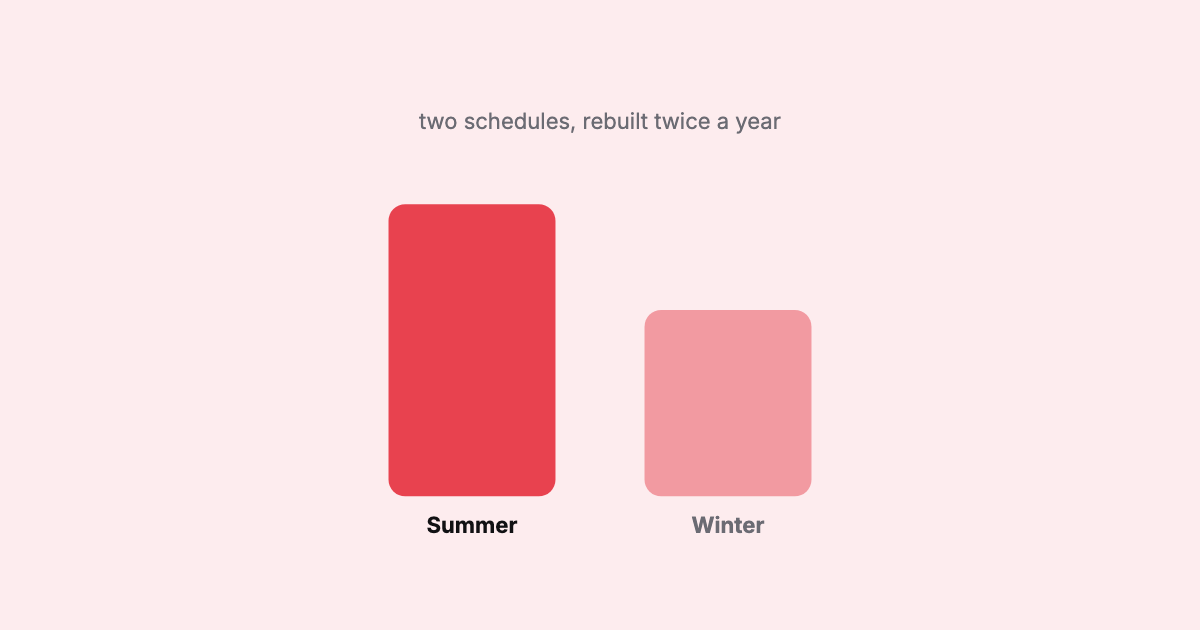
Two schedules, two demand shapes — the same network, redeployed across the year.
The question that never goes away
Because each season is a rebuild, the single most valuable thing a schedule team can do
is answer, quickly and reliably: what changed? Between last year’s summer and this
year’s summer. Between the plan of record and the version that just landed. Between two
carriers’ feeds. It comes up constantly, and for years the standard answer was a
painstaking manual reconciliation — the infamous Tuesday meeting with a hand-built
spreadsheet.
It’s harder than it sounds, because a “change” isn’t one thing. A flight can be added
or dropped; a time can move; a frequency or an aircraft can change; a route can shift
seasons. A good comparison has to see all of those at the flight level, not just note
that two files have different totals.
The seasonal rhythm means the schedule is never “done.” It’s rebuilt, compared, and
re-validated, twice a year, forever.
Doing it well
Seasonal work rewards two capabilities in particular. First, validation you trust:
when a fresh season lands, you want the real issues surfaced and the known carrier
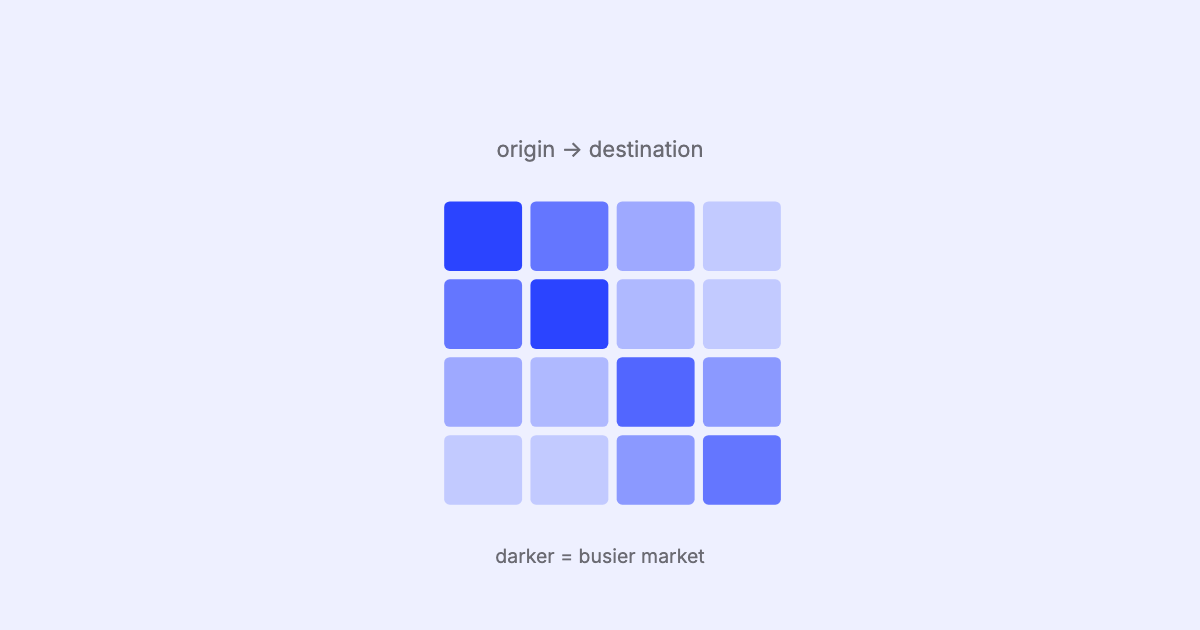
conventions left alone, so triage is short. Second, seeing the season’s shape at a
glance: a density calendar and a seasonality view that show where the heavy weeks fall,
how the day-of-week pattern shifts, and how capacity and frequency move across the period.
Both are core to SSIM Toolkit. Drop in the new season, see it validated against the
standard, and read its shape — locally — so “what does this season look like”
stops being a spreadsheet exercise and becomes a glance.
That closes our tour of the fundamentals — the format, the record types, and the two
places the schedule meets hard constraints. From here the series turns to the
engineering: the edge cases that break parsers and the
case for local-first tooling.