


Software for the people who keep airlines flying.
Exact, careful tools for the teams who plan, schedule and coordinate air travel — built by people who know the work.
What we work on
The parts of airline work that run on schedules.
We know these areas from the inside, and we write about them in depth.
Schedule standards
IATA SSIM and the messages that change a schedule, read in full.
Network planning
Seasons, markets and the competition, from the files you already receive.
Hubs & connections
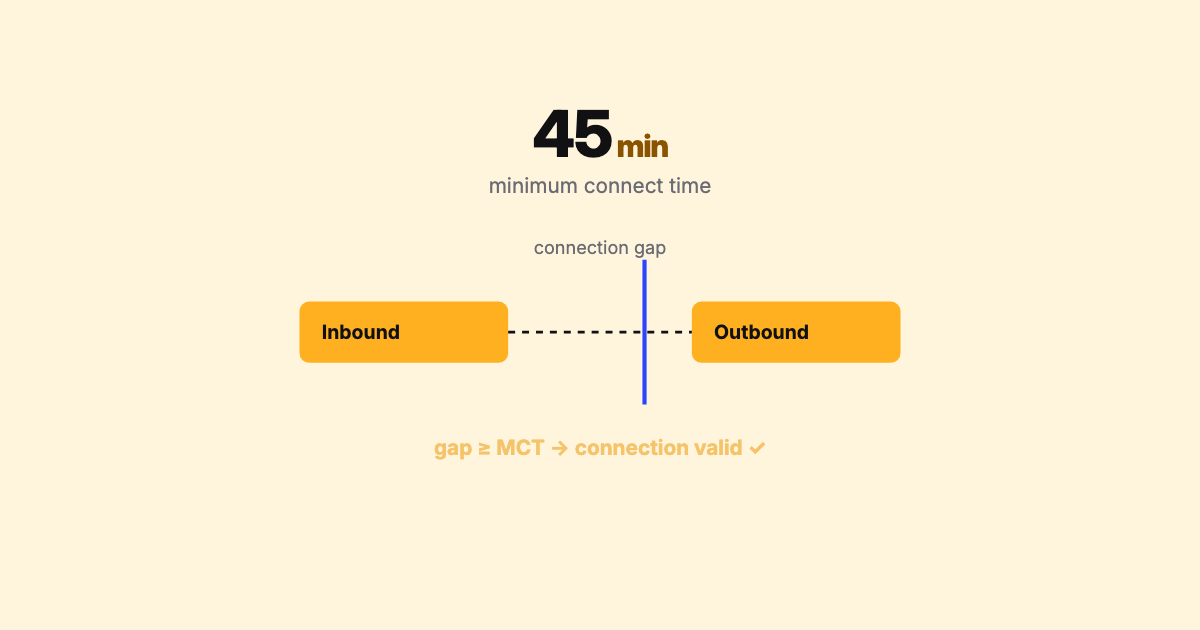
Banks, minimum connecting times and what a retime breaks.
Fleet & rotations
How a schedule becomes an aircraft's day, and the constraints underneath.
Airports & slots
Capacity, coordination and the airspace a season has to fit.
Schedule data engineering
Exact counts, correct clocks and clean tables for the systems downstream.
SSIM Toolkit · Early Access Preview
The local workbench for airline schedule data.
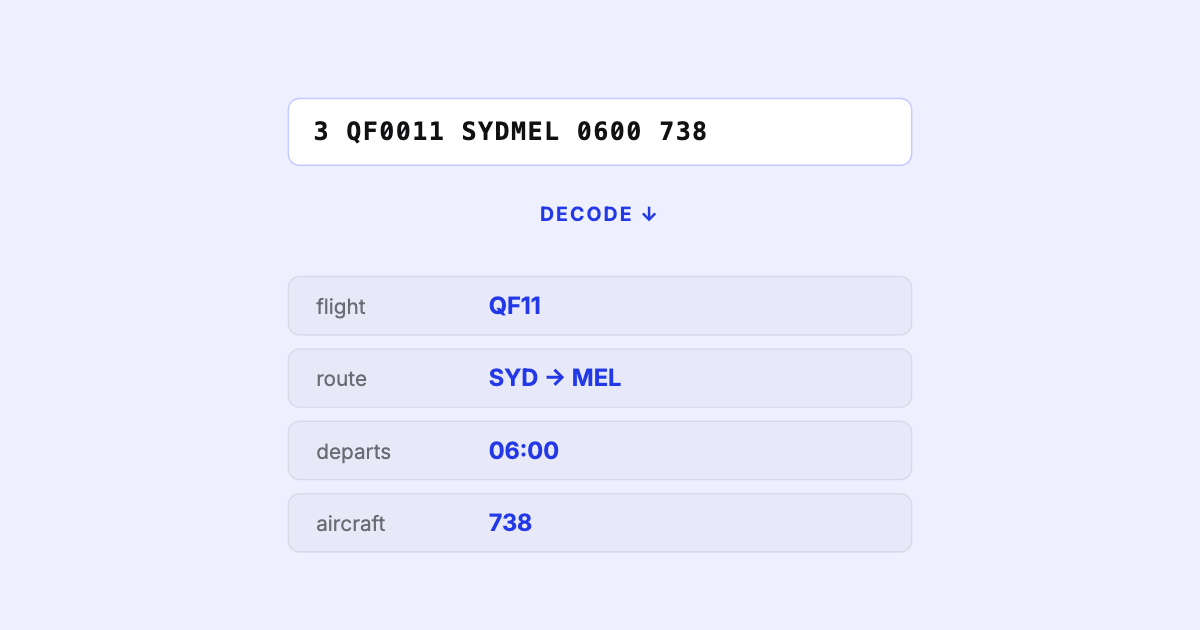
Open a raw IATA SSIM file and get a validated schedule you can question — markets and competition, hubs and connections, fleets and rotations, two seasons compared. Entirely on your machine.
A revised schedule arrives. What did it break?
Two files read date by date: every flight added, removed, retimed or swapped, the capacity it moved, and the weak spots it opens for your airline.
Can passengers still connect at the hub?
Banks as waves, every connection judged against your minimum connecting times, and what moving one flight would win or break — before anyone files it.
Where do we stand in each market?
Every market banded sole, dominated, led or contested, your share against each rival, and the gap where you trail.
Is the file sound before it goes further?
Every record checked against the IATA standard, each finding pinned to where it is, with what was expected and what to do.
The product, as it is
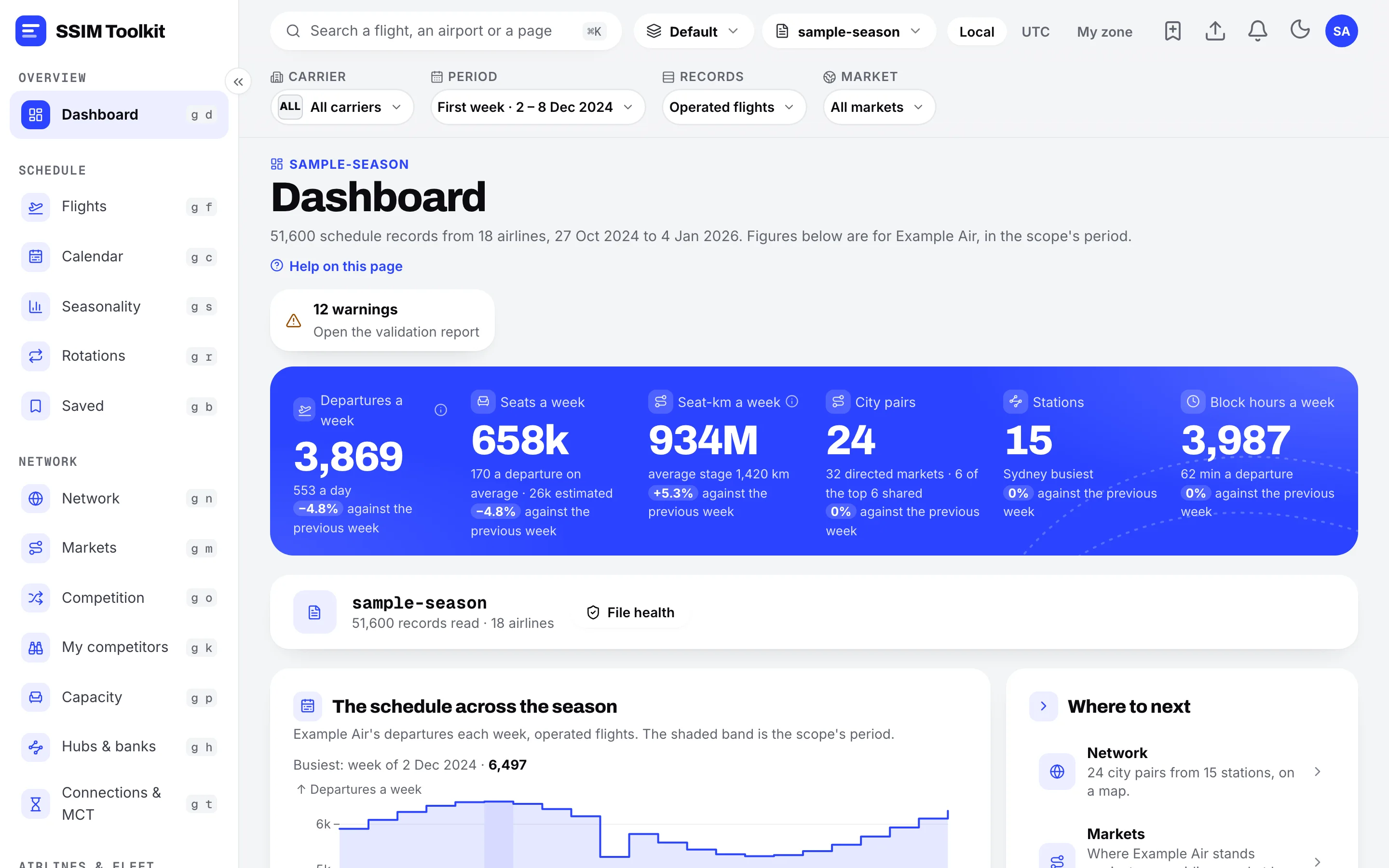
Every page built around a question.
Every route on a map, weighted by how often it flies, with the busiest stations ranked.
Each airport pair with every airline's share of seats and departures, and how its week is built.
A station's role, its connecting banks, and where connections break against the minimum connecting time.
Every aircraft followed through its day, flight after flight.
Two versions side by side: flights added, removed and retimed, and how capacity moved.
Every finding against the IATA SSIM standard, with the record and field it points at.
Your own questions of the schedule in read-only SQL, with results you can export.
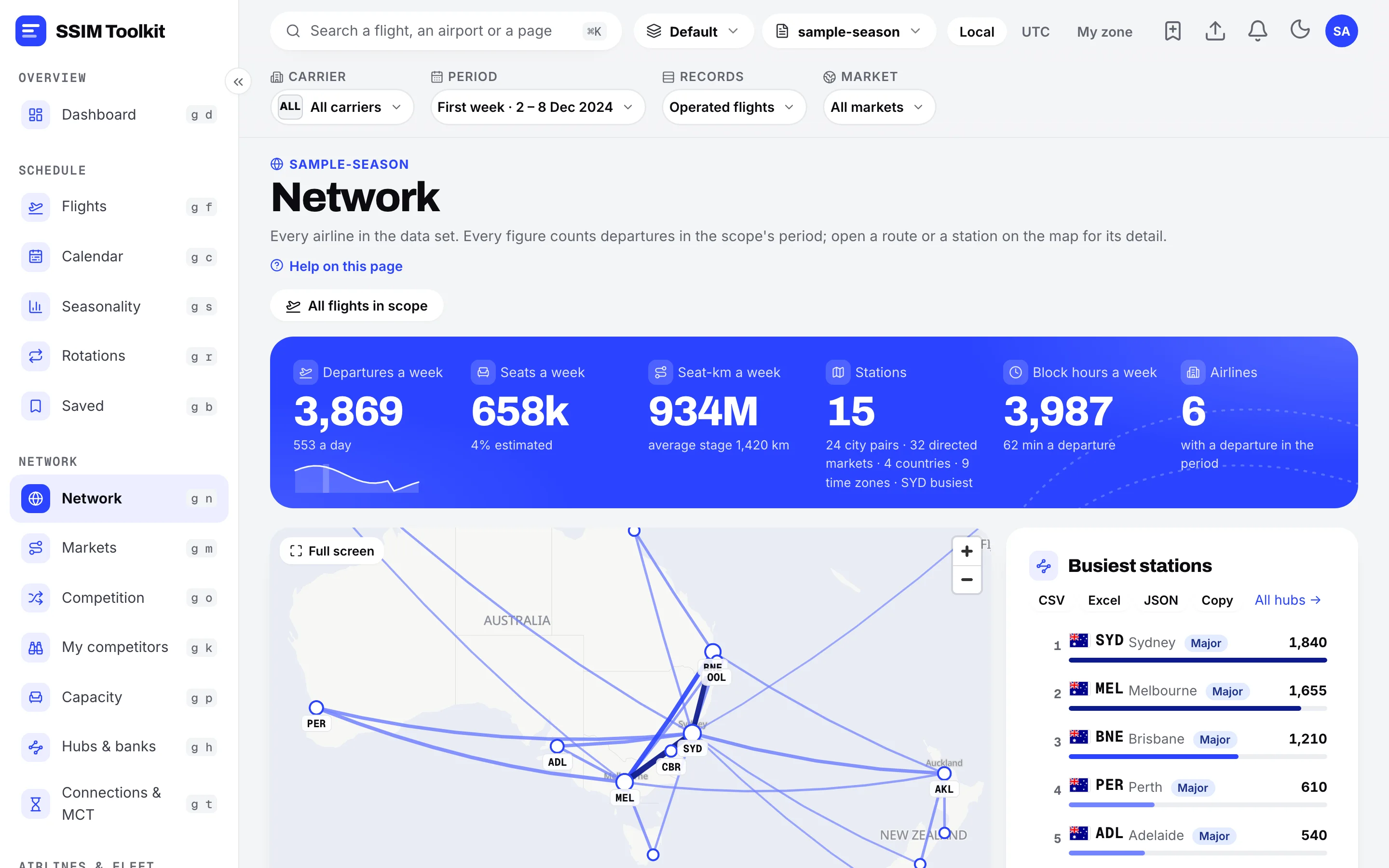
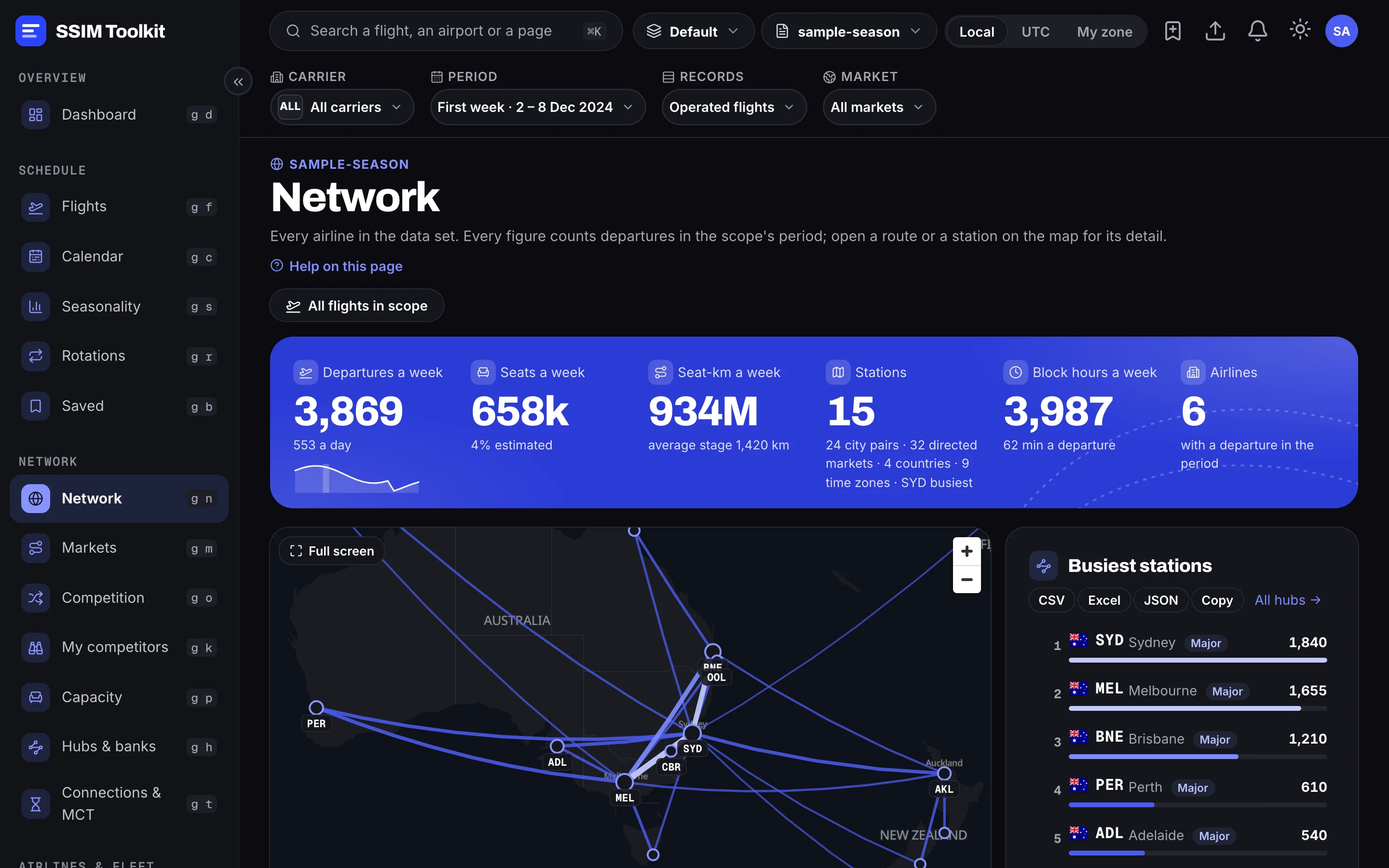
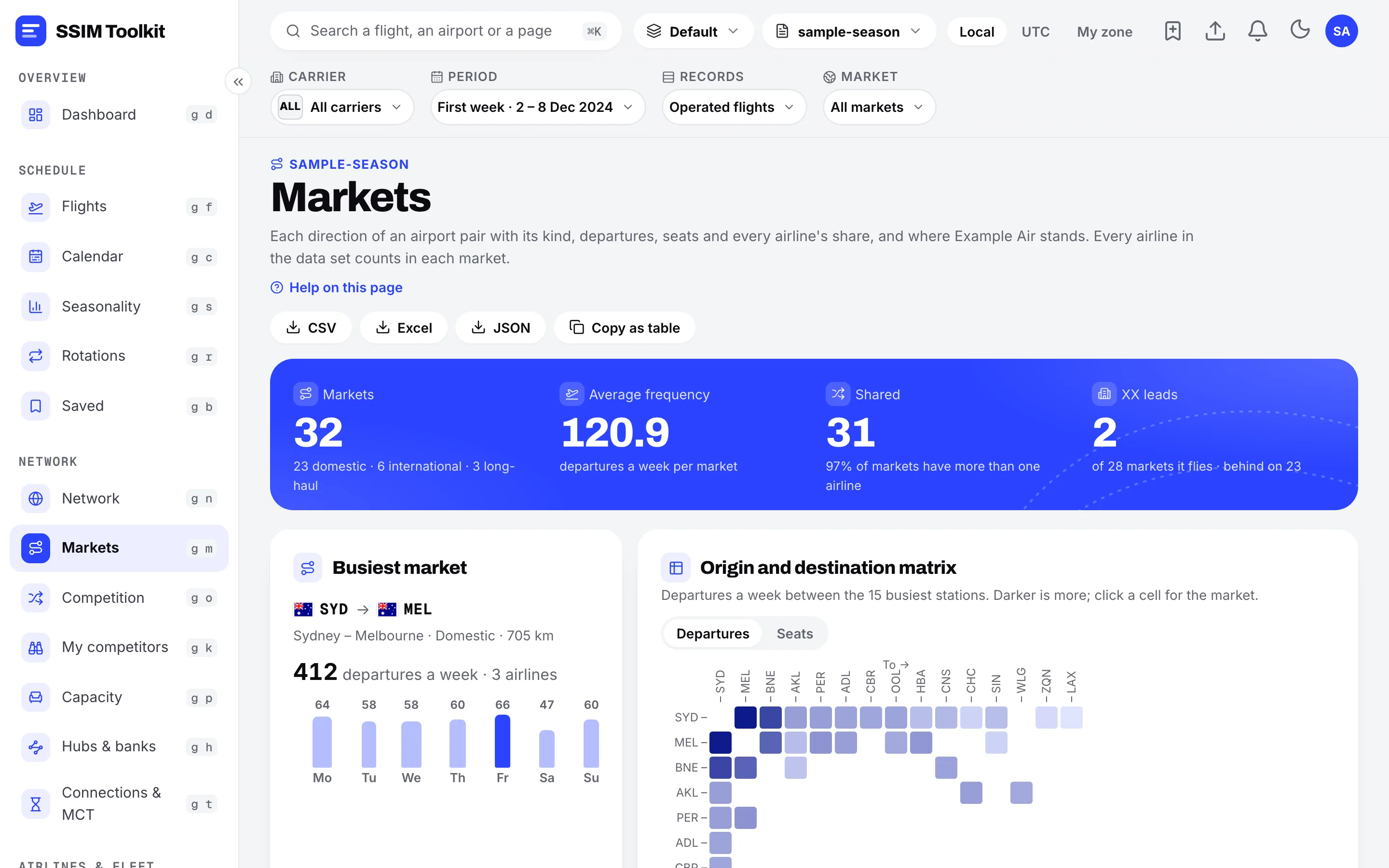
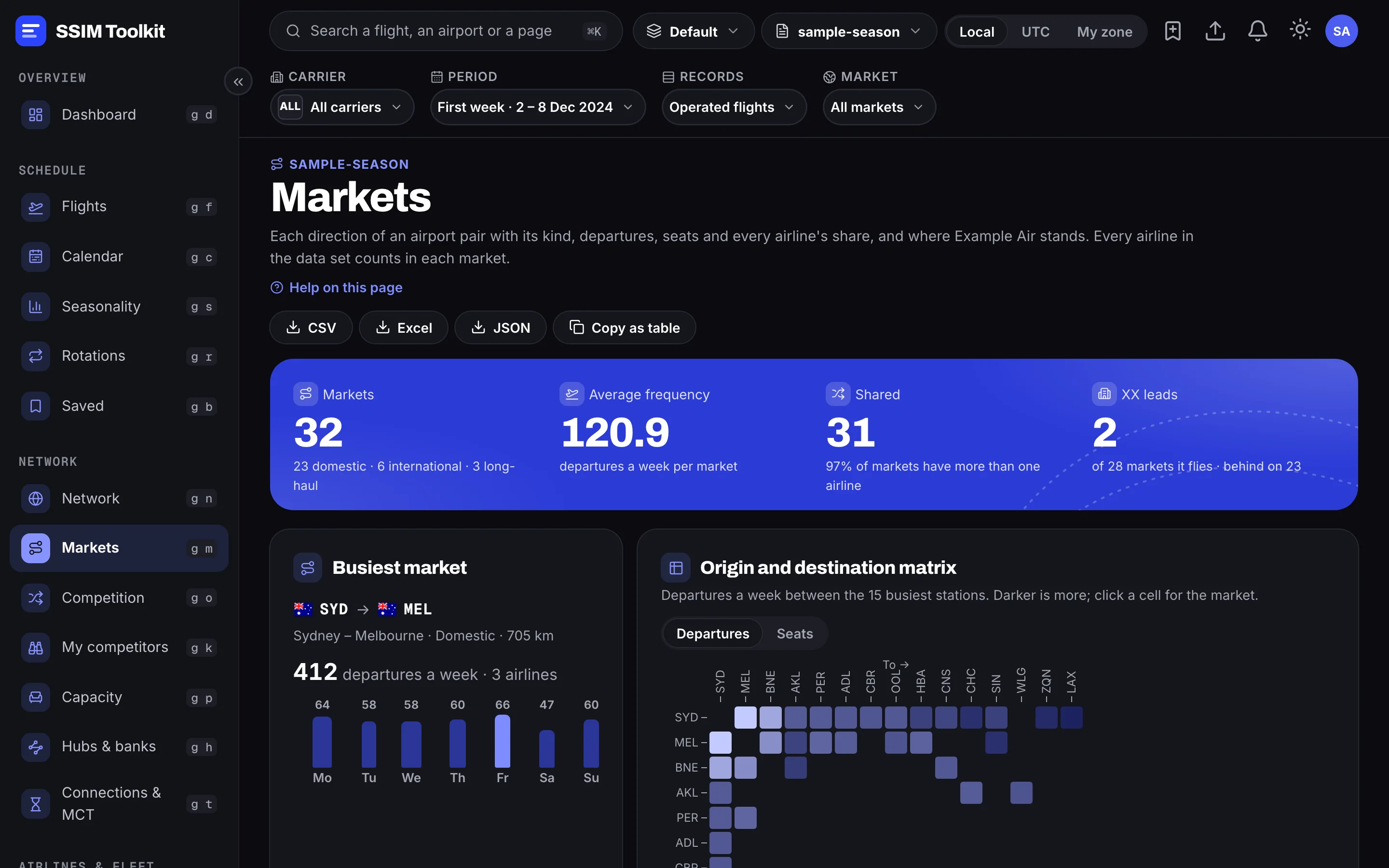
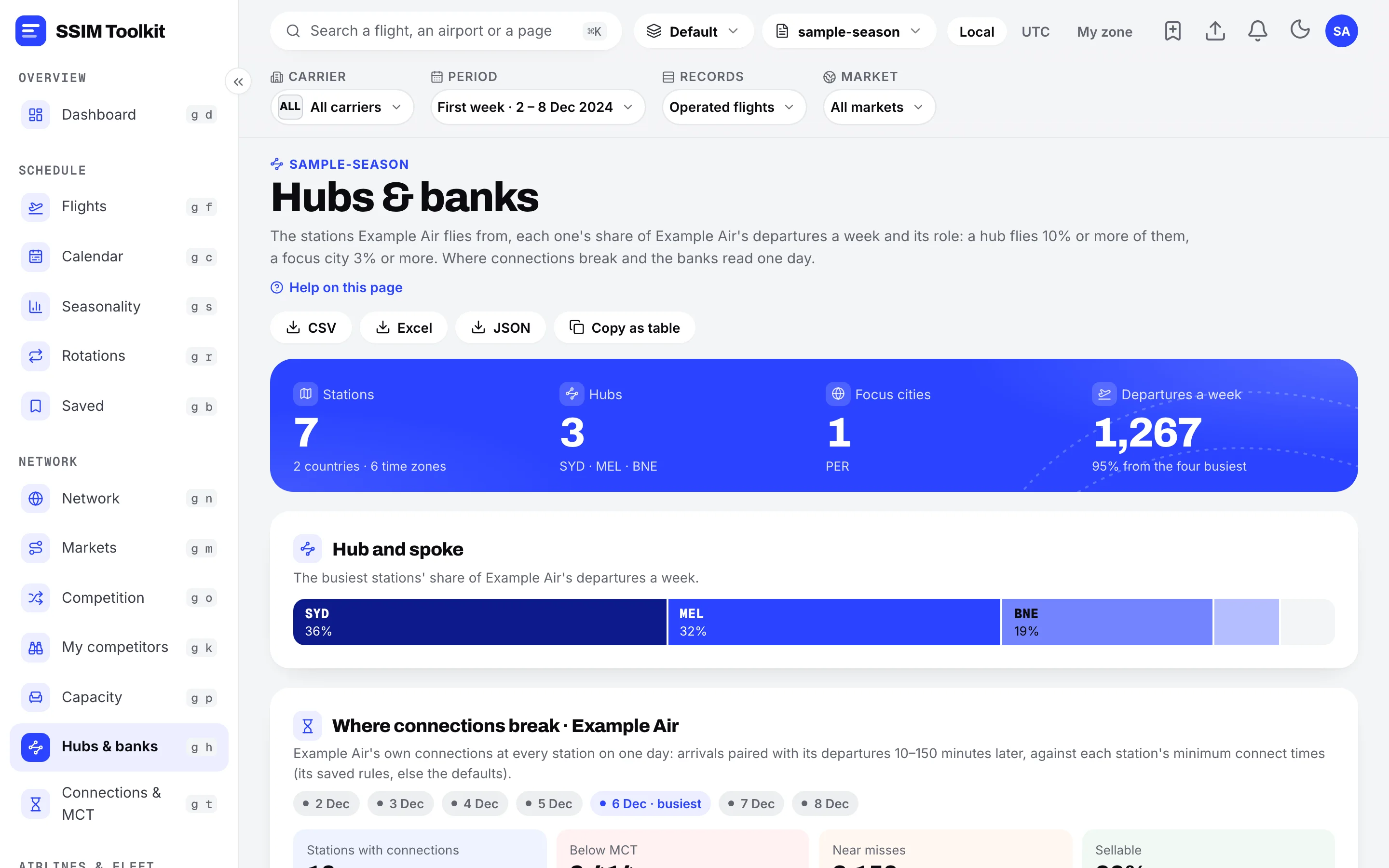
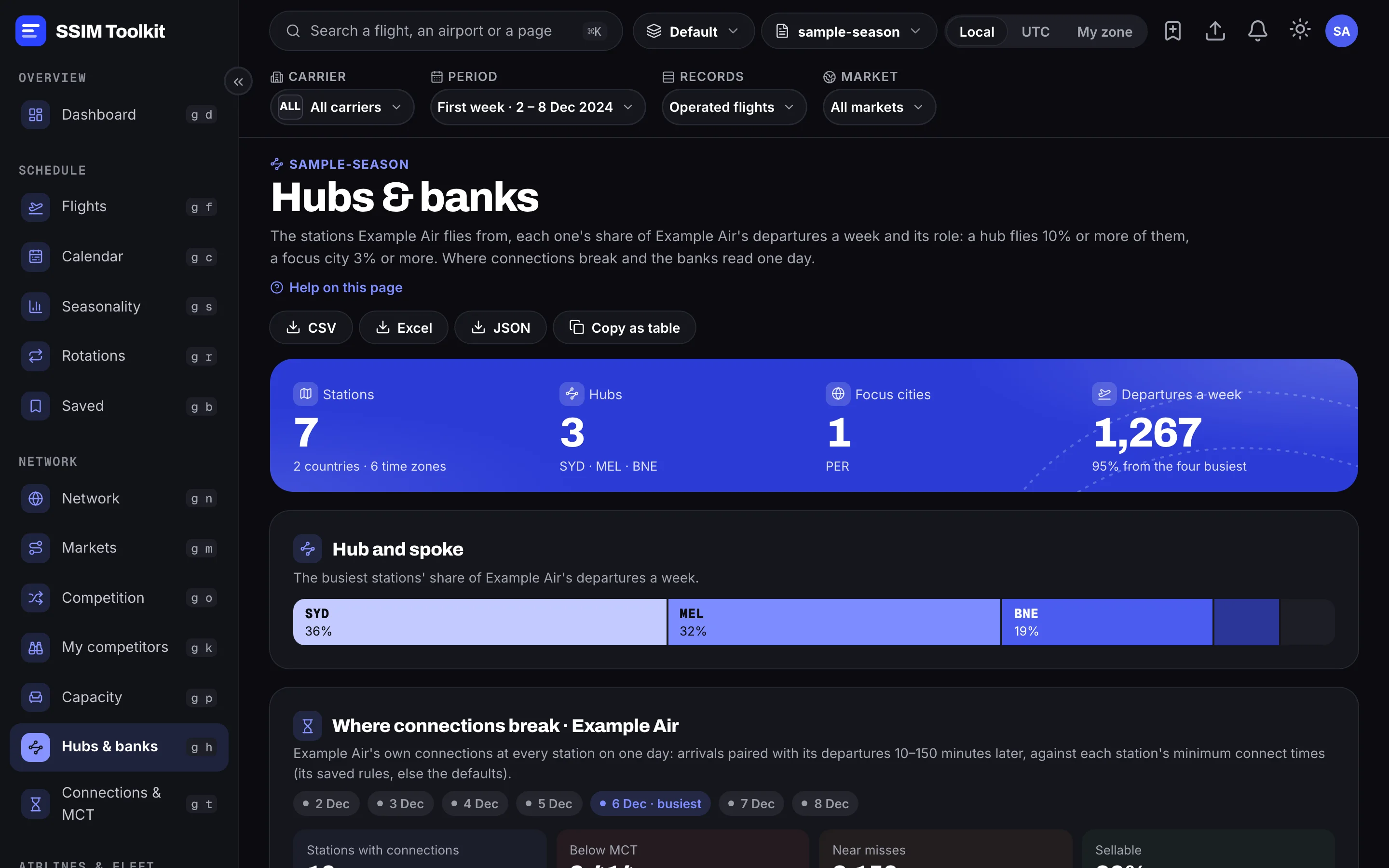
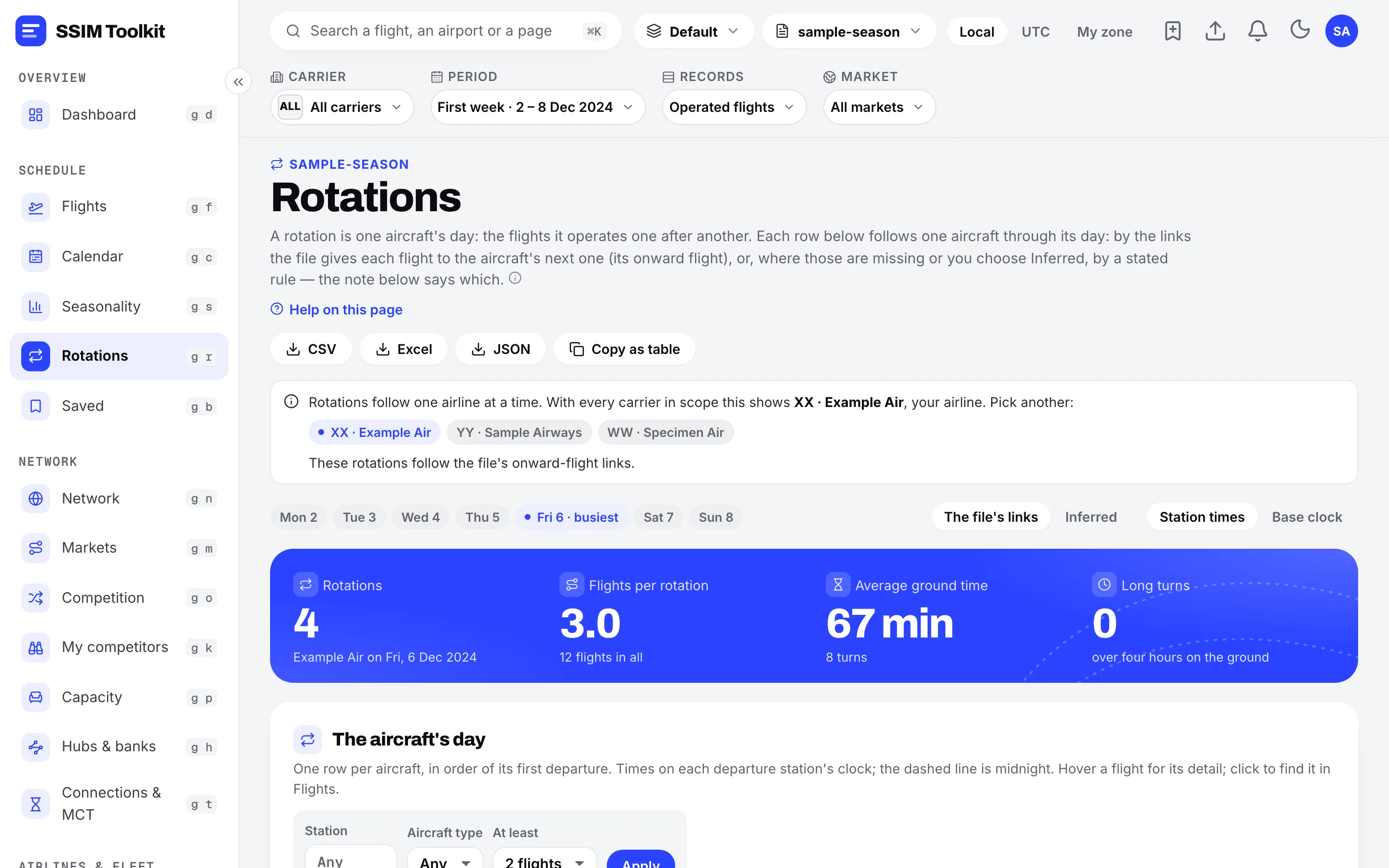
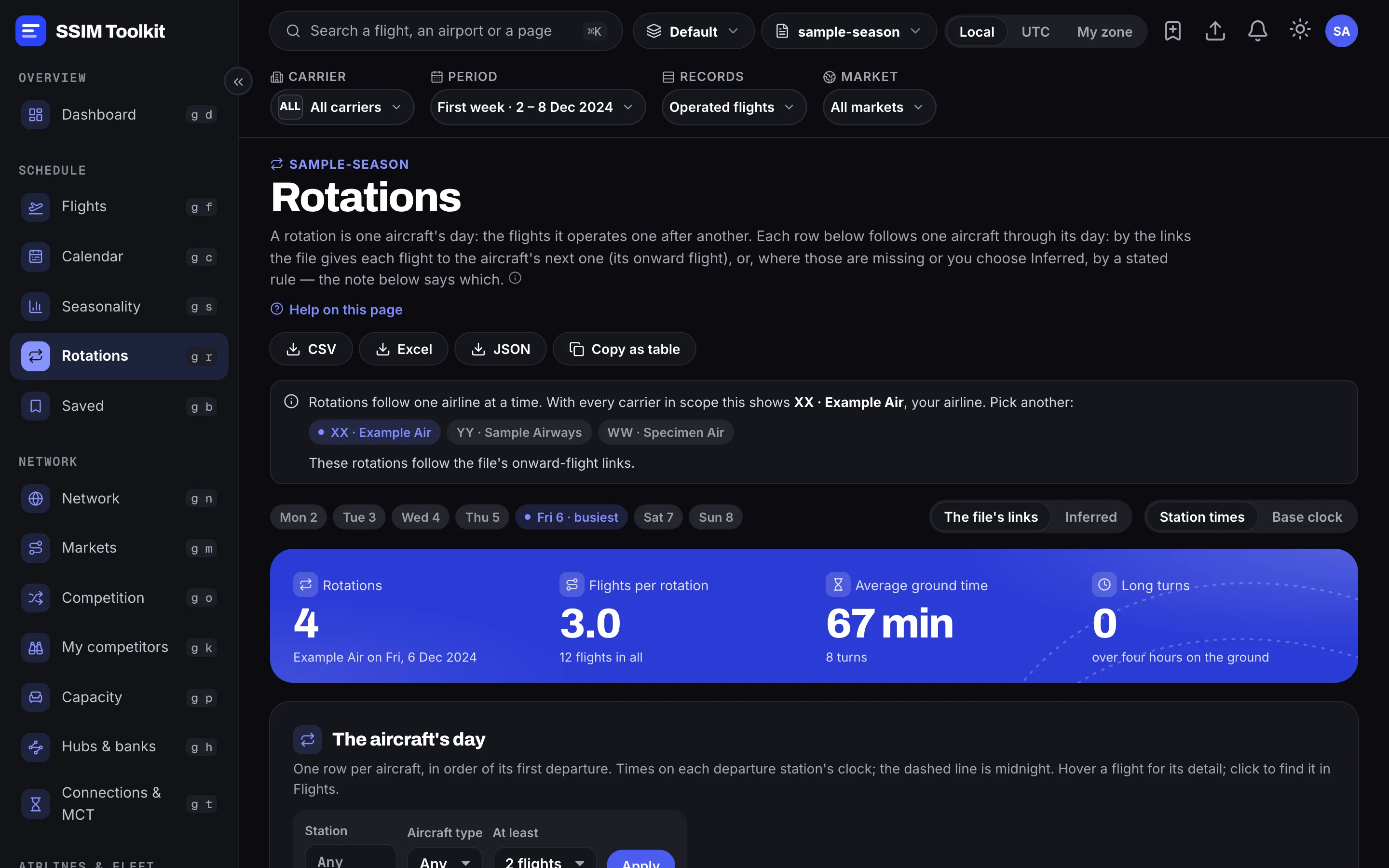
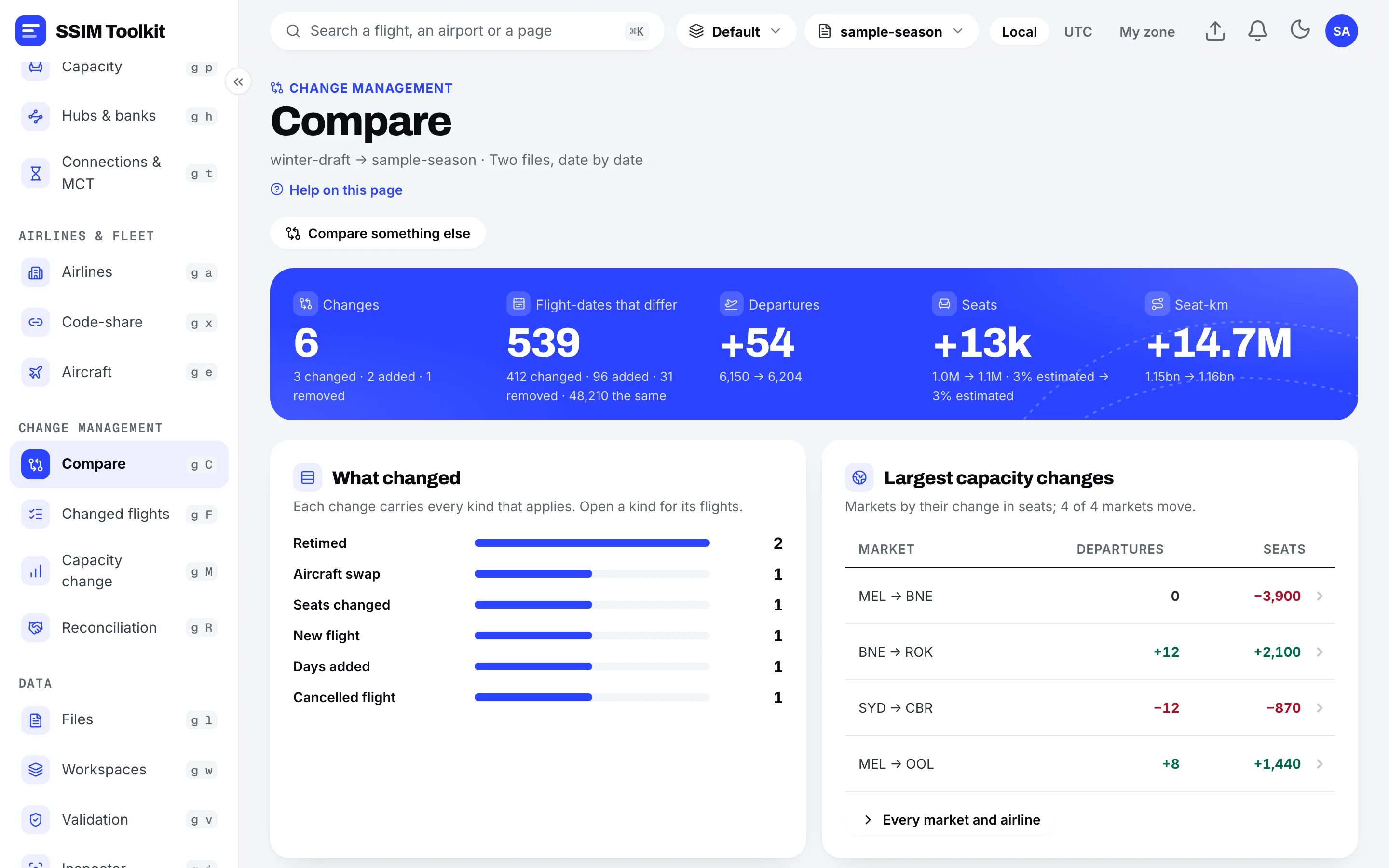
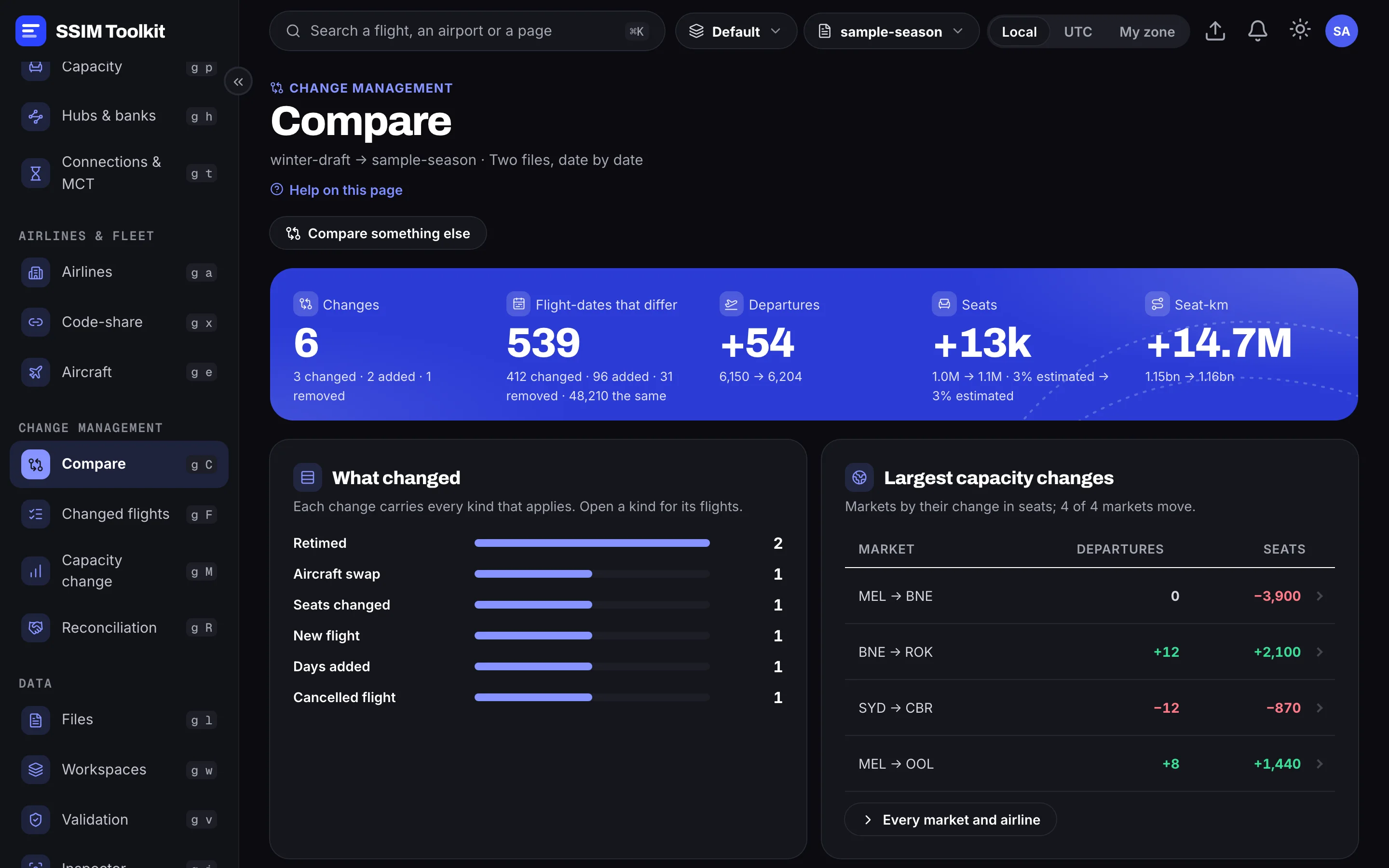
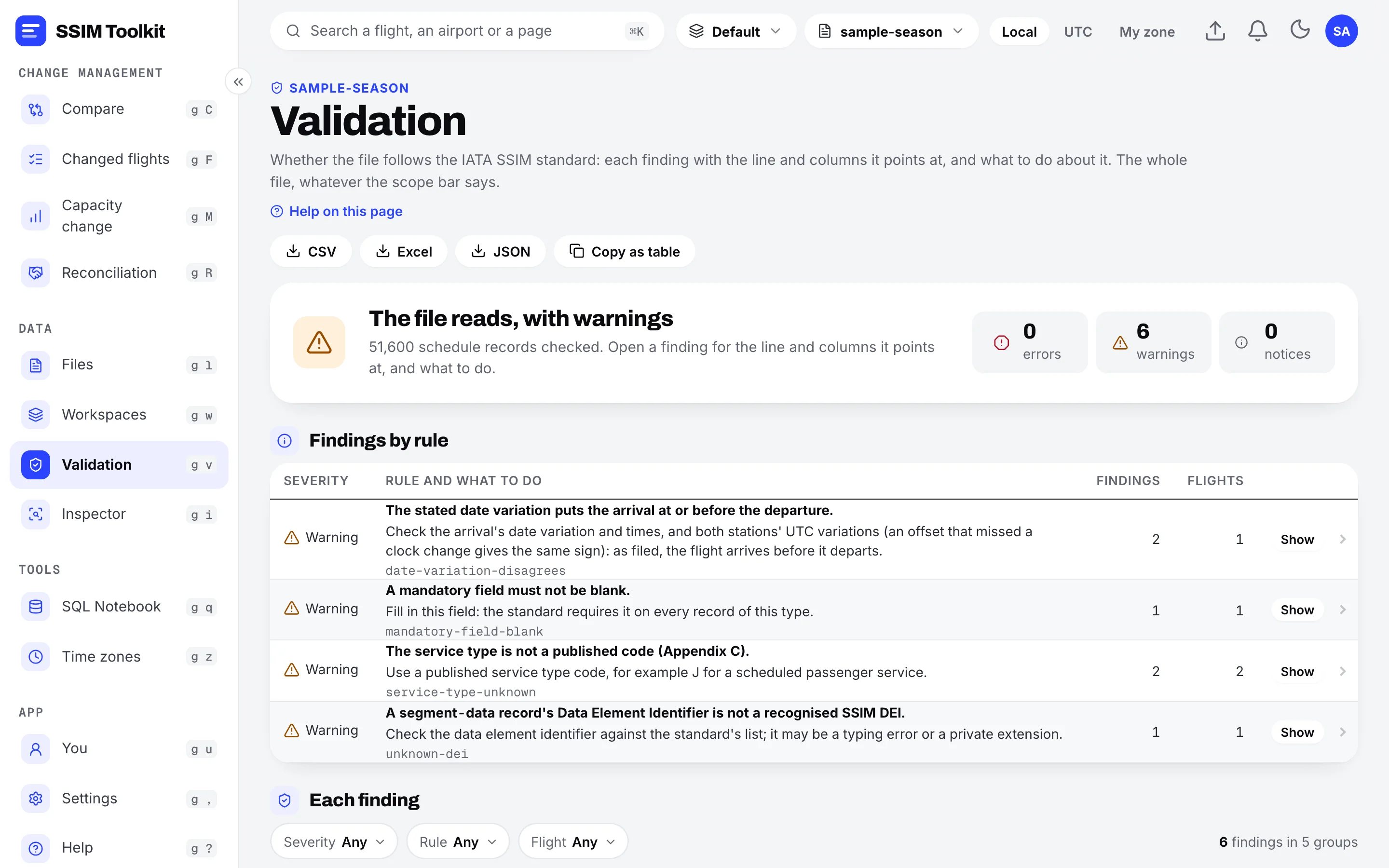
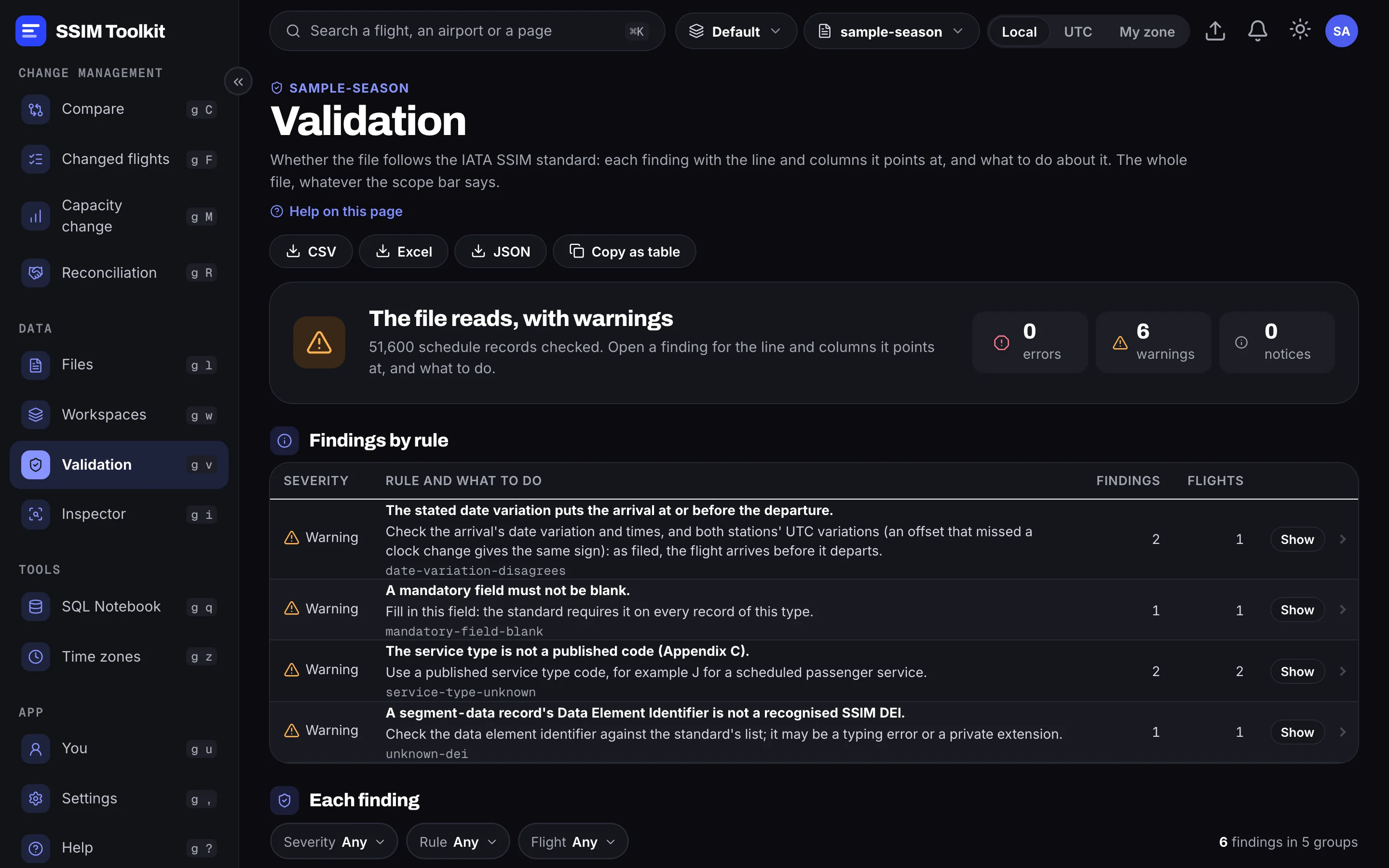
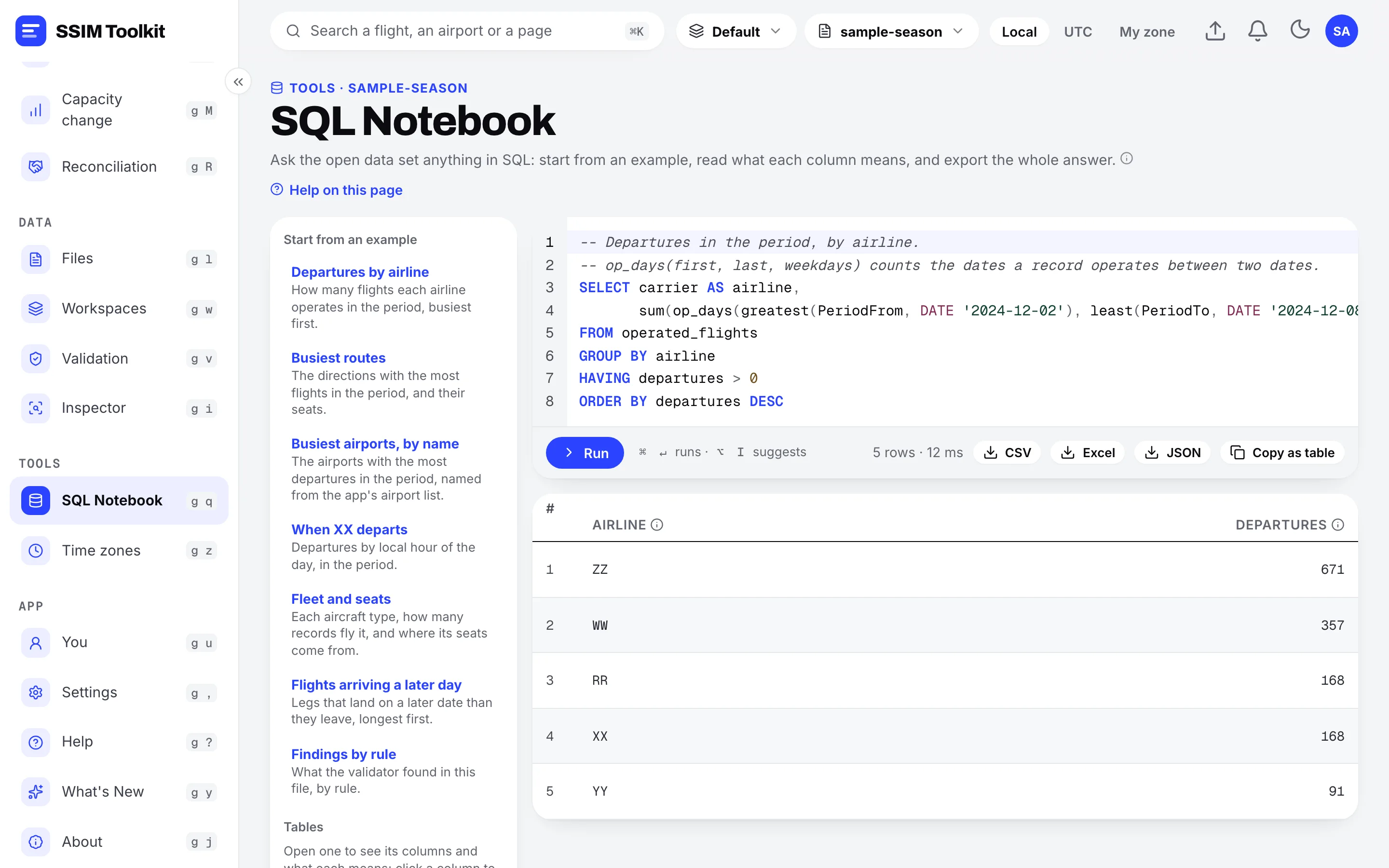
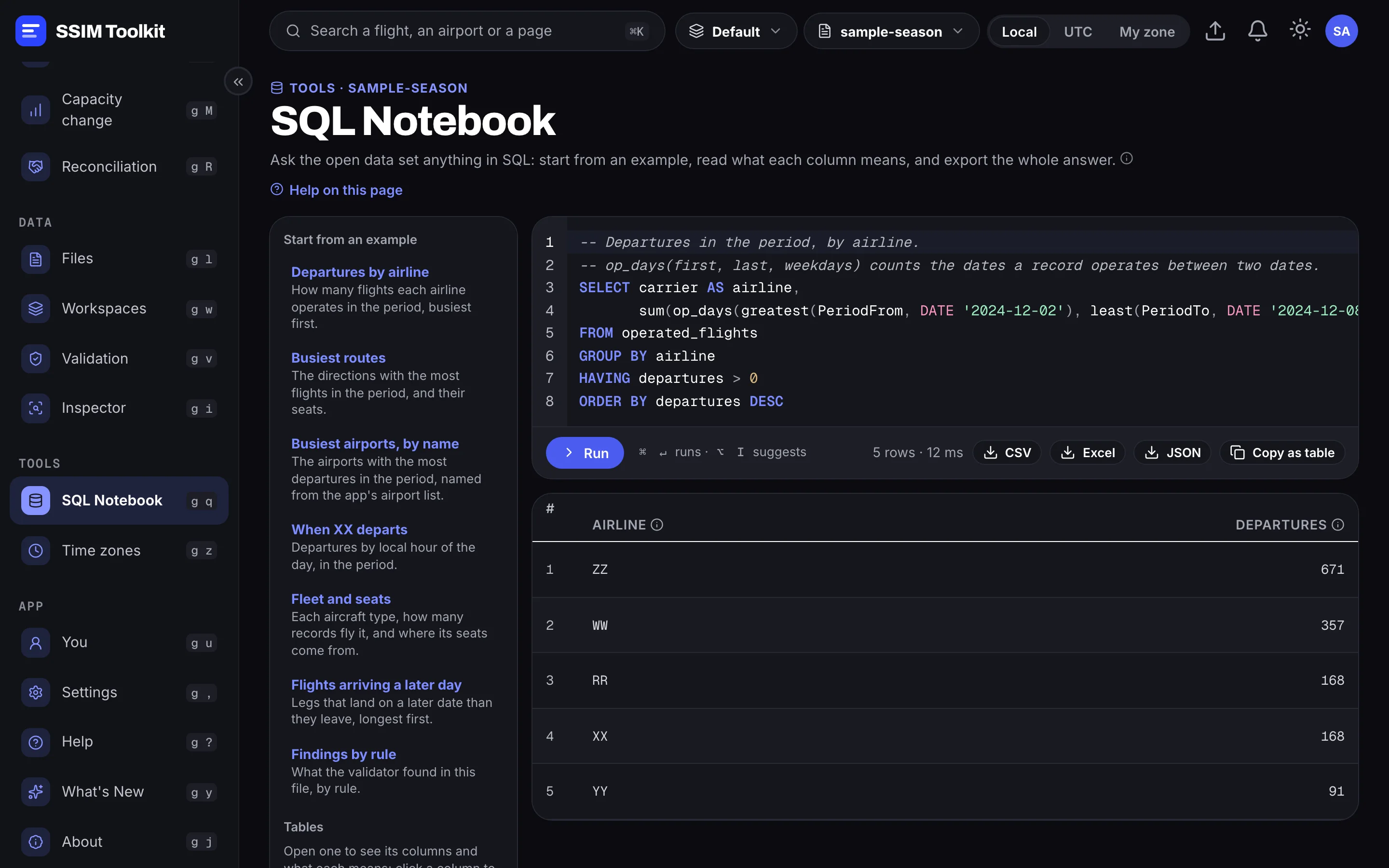
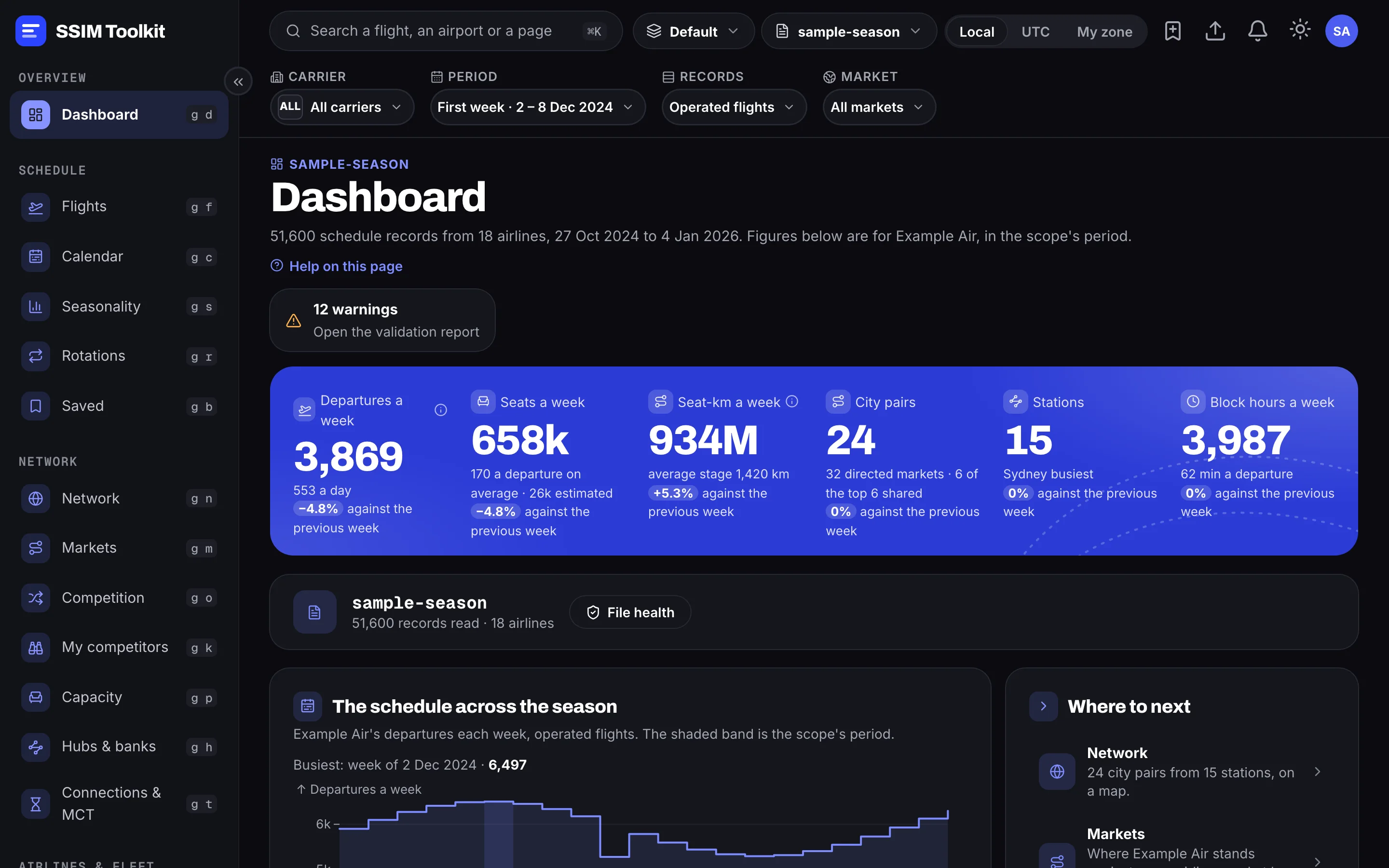
Real screens from SSIM Toolkit 0.4 — a sample schedule, with invented airlines.
How we build
Careful with your data. Exact with your numbers.
Your data stays yours
Schedules are read and analysed on your own machine, never uploaded.
The same answer, every time
Every figure follows the standard's rules and traces back to the records it came from.
The whole standard
Every record type and field, read and kept — ambiguous cases listed, never guessed.
Who it's for
For the teams behind the timetable.
Airlines
Network planning and scheduling: size the network, read the competition, check a revision before it is filed.
Airports
Capacity and slot planning: movements by hour, banks at the hub, connections against minimum times.
Slot coordinators
Check a file against the standard, and see where a schedule crowds a station.
Data & distribution teams
Validate what partners send, and get it out as clean tables.
Consultancies
Work on a client's file privately, and hand back figures anyone can re-derive.
See your own schedule clearly.
SSIM Toolkit is free during the Early Access Preview, on macOS and Windows.