


Hub or point-to-point? What the schedule tells you
A carrier's network philosophy is written into its schedule — in the banks at its airports, the degree of its stations, and the shape of its route graph. Here's how to read it.
MCT decides whether a connection is sellable — and it's conditional, per-airport, and lives outside the schedule file. Here's why this one number is so easy to get wrong, and what it takes to get it right.
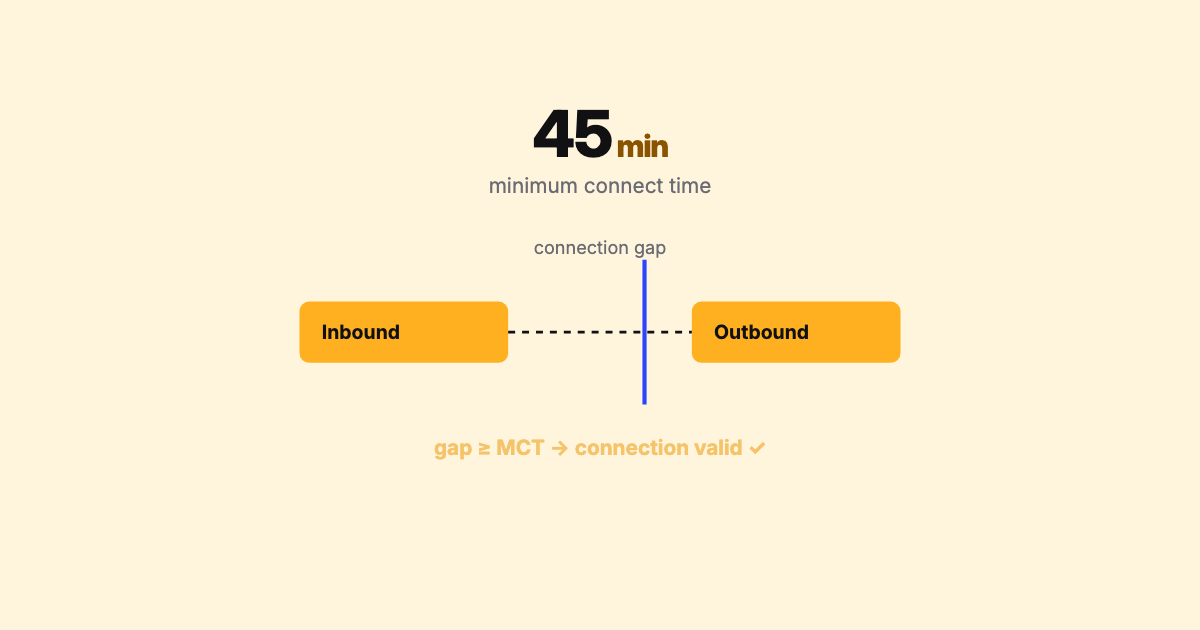
Ask a schedule analyst what the trickiest number in the business is, and a lot of them will give the same answer: Minimum Connect Time. It looks like a simple threshold. It behaves like a minefield. Here’s why.
Minimum Connect Time (MCT) is the shortest gap a passenger (and their bag) needs to transfer from one flight to another at a given airport. If the time between your inbound arrival and your outbound departure is at least the MCT, the connection is valid and can be sold. If it’s below the MCT, the itinerary shouldn’t exist — no matter how good it looks on paper.
If MCT were a single value per airport, it would be a footnote. It isn’t. The real thing is conditional, and the conditions multiply fast:
| Connection | Typical driver |
|---|---|
| Domestic → Domestic (D/D) | Baggage + gate transfer |
| Domestic → International (D/I) | Add outbound border/security |
| International → Domestic (I/D) | Add arrivals immigration + customs + re-check |
| International → International (I/I) | Transit handling, terminal change |
The result is that a single airport can carry a large, layered set of MCT values — a standard plus a stack of more-specific exceptions that airlines file — and the most specific applicable one wins.
Here’s the structural catch. The MCT data is not in the SSIM file. The schedule tells you when flights arrive and depart; the MCT tables are a separate reference dataset you apply against the schedule to decide which connections are real. Two datasets, two update cadences, one answer that depends on joining them correctly.
That means a connection’s validity can change without the schedule changing at all — an airport revises its MCT, a terminal reassignment shifts a connection from same-terminal to terminal-change, and itineraries that were sellable yesterday aren’t today. If your tooling looks at the schedule in isolation, you’ll never see it.
MCT is where the schedule meets the airport’s physical reality. Getting it right is less about the number and more about applying the right number, out of hundreds, to the right connection.
Both directions of error hurt. Set MCT logic too tight and you hide sellable connections — lost revenue you never knew you had. Set it too loose and you sell connections that can’t physically be made — misconnected passengers, rebooking costs, and a bad day for operations and for the traveller. In a year of record load factors, a mishandled connection doesn’t get soaked up by an empty seat downstream.
Evaluating MCT well means holding the schedule and the MCT tables together and asking, for every candidate connection: what’s the arrival-to-departure gap, which specific MCT applies given the terminals and connection type, and does the gap clear it? — at the scale of an entire schedule, reproducibly.
That’s one of the core workflows in SSIM Toolkit: bring your schedule and the applicable MCT rules together on your own machine and see, deterministically, which connections hold and which don’t. No guessing, no model — just the right number applied to the right connection, every time.
Next up: slot coordination — the other place the schedule meets a hard physical constraint.

A carrier's network philosophy is written into its schedule — in the banks at its airports, the degree of its stations, and the shape of its route graph. Here's how to read it.
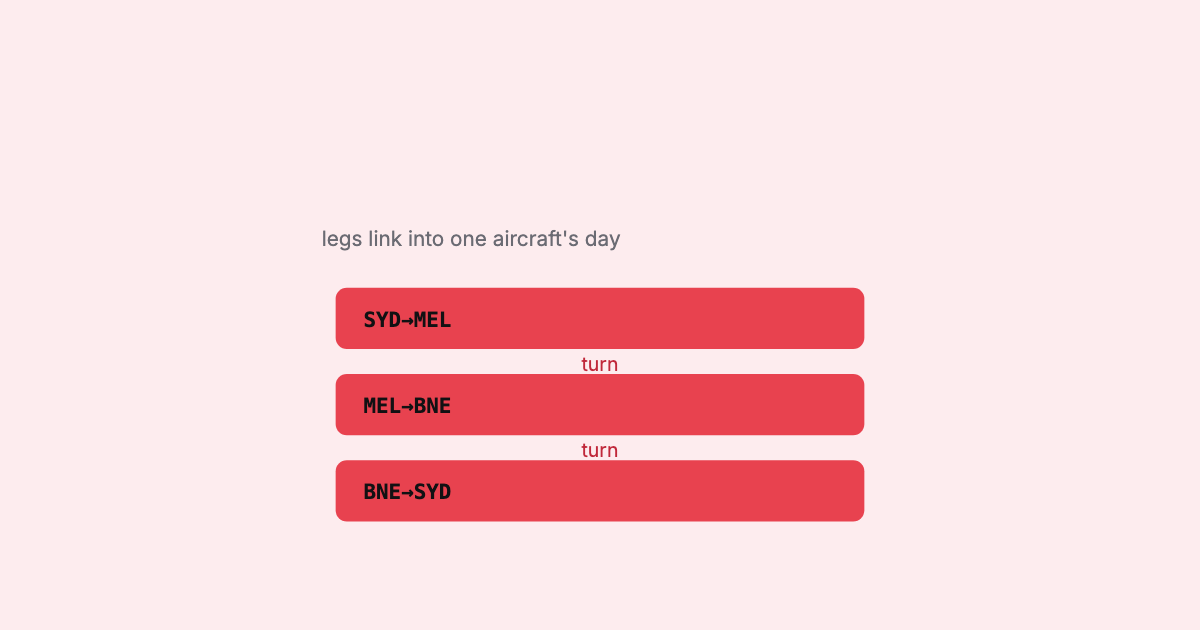
A schedule is a list of flights; an operation is a set of aircraft each flying a connected sequence. Turning one into the other — building rotations and checking they're physically possible — is where the schedule meets reality.

An origin–destination matrix turns a wall of flight legs into a picture of where a network flows. Here's how to read one built from a schedule — and, just as importantly, what it can and can't tell you.