A schedule is published once, then changed constantly. SSM and ASM are the IATA messages that carry those changes — bulk and ad-hoc — with action codes like NEW, CNL, TIM and EQT. Here's how they work.
Publishing a schedule is the easy part. Keeping it current — as flights are re-timed,
cancelled, re-equipped, and added, sometimes many times a day — is the real work. That
maintenance travels as two IATA message types: SSM and ASM. If the
SSIM file is the schedule’s snapshot, SSM and ASM are how it
stays alive.
Two message types, two jobs
Both are defined in the SSIM standard, in their own chapters:
SSM — Standard Schedules Message (SSIM Chapter 4). The workhorse for regular,
often bulk schedule updates exchanged between systems — the routine flow of
schedule information between carriers, airports, and distributors.
ASM — Ad Hoc Schedule Message (SSIM Chapter 5). For individual, ad-hoc changes
to a specific flight — a single re-time, a one-day cancellation, an equipment swap —
outside the regular bulk cycle.
Roughly: SSM keeps the series in sync; ASM handles the exceptions to it.
Action identifiers
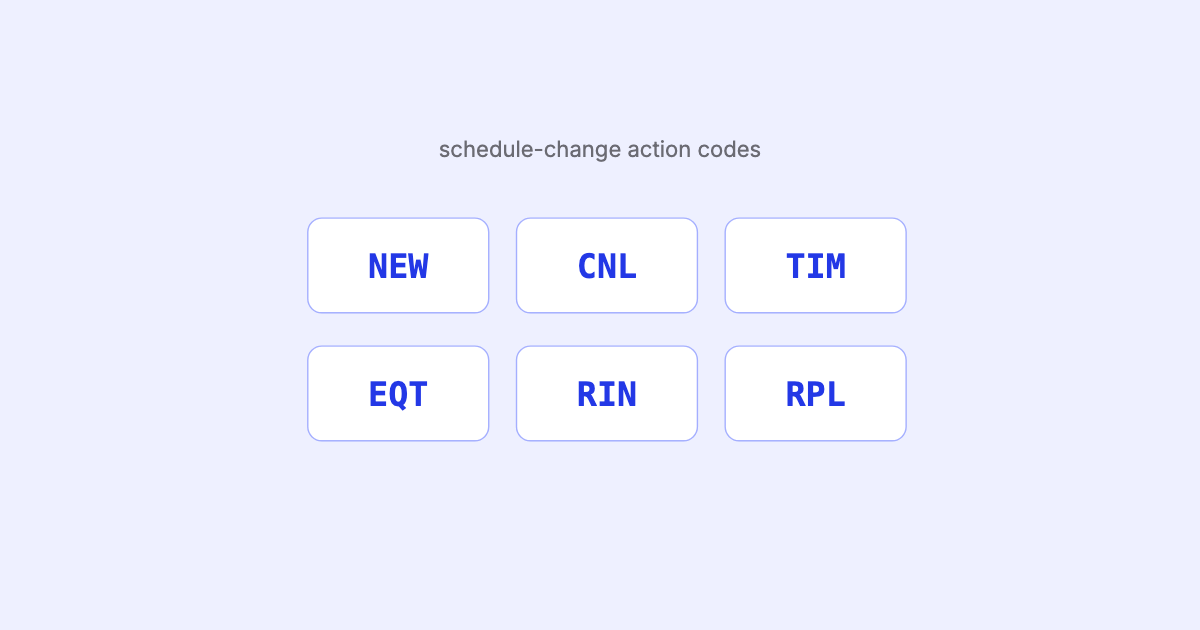
Every message carries an action identifier that says what to do. The common ones:
Code
Action
NEW
Create a new flight / series
CNL
Cancel a flight
RPL
Replace (update) an existing series
TIM
Change timing (departure / arrival)
EQT
Change equipment (aircraft type) and/or conditional data
RIN
Reinstate a previously cancelled flight (ASM)
ADM
Change existing information (ASM)
CON
Change expressed by data element only (ASM)
SSM covers actions like NEW, CNL, RPL, TIM and EQT; ASM adds the finer-grained,
single-flight actions such as RIN, ADM and CON.
What a message looks like
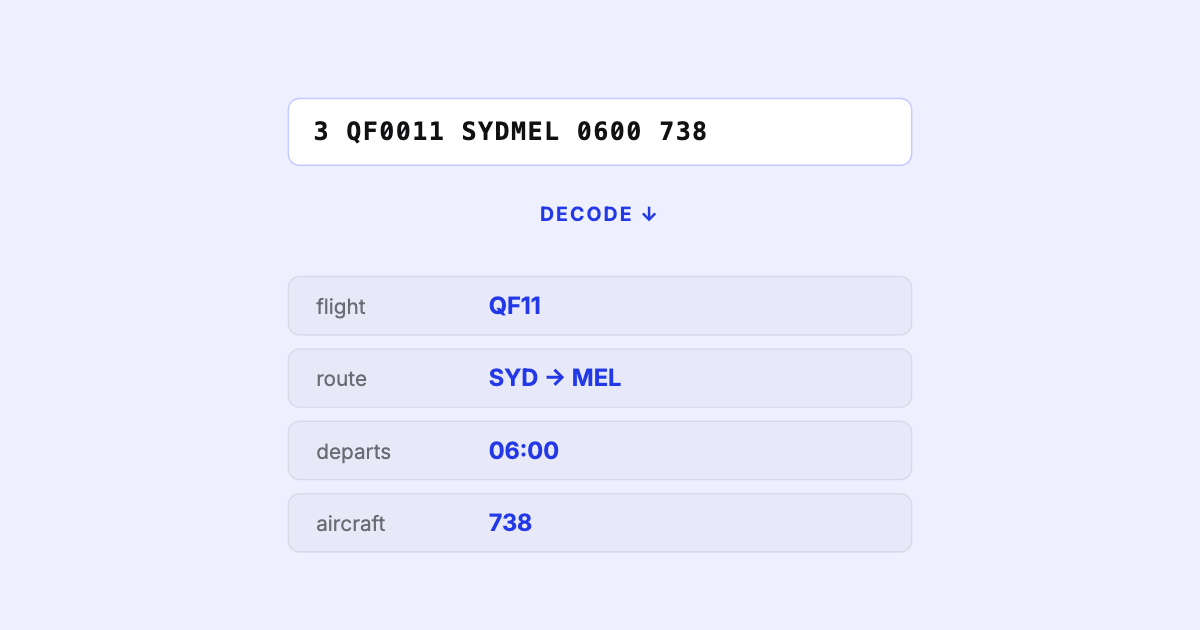
Messages are terse, teletype-style text. Schematically, an ad-hoc timing change reads
like this (illustrative — the real telex format has precise line structures):
ASM                        ← message type: Ad hoc Schedule Message
TIM                        ← action: change timing
QF0011/25JAN26 J SYDMEL    ← the flight + date this applies to
0615 0745                  ← the new departure / arrival
Every message identifies which flight it targets (designator, number, date, leg)
and what changes. Get the target wrong and you’ve edited the wrong flight; apply
messages out of order and the schedule ends up in a state that never actually existed.
How the changes flow
The published schedule is maintained by a continuous stream of SSM (bulk) and ASM (ad-hoc) messages out to every system that depends on it.
Why it’s harder than it looks
The difficulty isn’t the message format — it’s applying the stream correctly:
Matching the target. Each message has to resolve to exactly the right flight and
date range in your current picture. Ambiguity here corrupts the schedule quietly.
Order and idempotency. Messages must be applied in the right sequence; a CNL
after a TIM is a different outcome than the reverse. Re-processing the same message
shouldn’t double-apply.
Series vs exception. An ASM one-day change sits on top of an SSM series without
rewriting it — you have to hold both and know which wins for a given date.
Reconciling drift. After thousands of messages, does your schedule still match the
latest full file? The trailer counts and
periodic full-file compares exist for exactly this reason.
A schedule is only as trustworthy as the message stream that maintains it. The file
is a snapshot; the truth is snapshot-plus-messages, applied in order.
Doing it well
Keeping a schedule current means parsing SSM and ASM faithfully, resolving each to the
right flight, applying changes in order, and being able to reconcile the running result
against a fresh full file when one arrives. That’s the same discipline SSIM Toolkit brings
to the schedule file itself — read it faithfully, deterministically, reproducibly, and
locally — the reliable full-file foundation any message-driven workflow has to stand on.