


Why SSIM files fail quietly — and why validation matters
An SSIM schedule can be wrong without ever raising an error. What goes wrong in real files, what it costs downstream, and why validation has to come first.
A red-eye departs one day and lands the next. SSIM encodes that with a day offset — and the 2400-vs-0000 midnight edge — which naive time handling turns into negative block times and arrivals before departure.
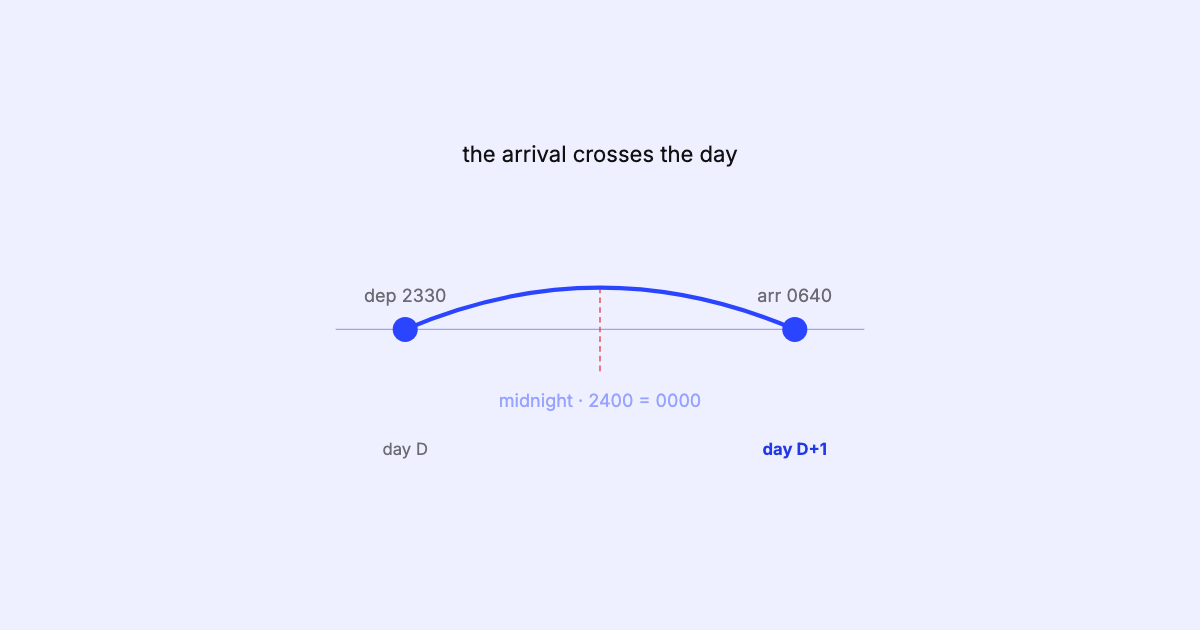
A flight departs at 23:40 and arrives at 06:15. Six hours thirty-five in the air? Or a negative six-hour flight that lands before it left? Both answers come out of the same SSIM record depending on one detail a lot of code gets wrong: the day changed in between. This is the humble overnight leg, and it breaks more schedule parsers than almost anything else.
A flight-leg record gives you a departure time
and an arrival time — and that’s it on the same line. Both are wall-clock times, four
digits, HHMM. There is no date attached to the arrival. The record’s period and
days of operation tell you which days the
flight departs; the arrival day is implied.
For a daytime hop that implication is harmless — depart 09:00, arrive 10:30, same day. For a red-eye it is the whole problem. Depart 23:40, arrive 06:15, and a reader that assumes same-day arrival computes an arrival time earlier than the departure.
Depart  2340
Arrive  0615      ← next day, but the record doesn't repeat the date
Naive:  0615 − 2340  =  −1285 minutes   ("lands before it left")
SSIM handles this with a day-change indicator at the end of the leg — the date variation, one character for the departure and one for the arrival — that says how many calendar days after the flight’s date at its origin each one falls. On a single-leg flight the origin date is simply the departure date, so for the overnight above the arrival day offset is +1: same clock time, next day. On a later leg of a multi-leg flight, the offset still counts from the date the flight left its first station.
Most overnights are +1. But the field is not decorative:
0, or A for the
previous day.The rule is simple once you respect the field: the arrival’s real moment is
arrival time on flight date at origin + day offset. Ignore the offset and you have thrown
away the one piece of information that makes the arrival unambiguous.
A red-eye isn’t an anomaly in the data. It’s a perfectly normal flight that only looks impossible when you drop the day.
Then there’s midnight, which the format writes two ways — one for each side of it.
A departure at midnight is written 0000 — hour zero of the day that’s beginning. An
arrival at midnight is written 2400 — hour twenty-four of the day that’s ending. They
name the same instant from opposite sides of the boundary, and both must resolve to the
same moment. An arrival written 0000 is out of range in SSIM, but some files contain
one anyway — a quirk worth tolerating with a warning, read as the midnight it plainly
means, rather than a reason to drop the leg.
The trap is arithmetic. Treat 2400 as an ordinary time and a lot of libraries either
reject it (only 0000–2359 are “valid”) or silently wrap it to 0000 of the same
day — which is now midnight at the start of the day, twenty-four hours early. A
scheduled arrival of 2400 that gets read as 0000 without advancing the date turns a
full overnight into a zero-length or negative block.
| Written | Means | If read naively as start-of-day |
|---|---|---|
0000 |
Midnight, start of day | Correct |
2400 |
Midnight, end of day | 24 hours early → zero/negative block |
The safe reading is to normalise 2400 to 0000 of the next day — advance the date
by one as you collapse the hour — so the instant is preserved. Handle it anywhere else
and the bug hides until a report shows a flight with a block time of zero.
The reason the day change causes so much quiet damage is that nothing crashes. A negative duration is a perfectly representable number; a zero-length block sails through most schemas. The flight is still in the file, still counted, still shown — it’s just wrong in a way you only notice when someone sums block hours, sorts by arrival, or tries to build a connection off the back of it and the numbers don’t reconcile.
It compounds with the time-zone problem, too. Local times, per-station UTC offsets, and the day change are three separate corrections that all have to be applied together. Get the day right but the offset wrong, or the offset right but the midnight edge wrong, and you still land in the same place: a duration that doesn’t match reality. These are exactly the kind of edge cases that look like errors, aren’t, and punish the naive reading.
The discipline is small and non-negotiable:
2400 to 0000 of the next day before you do any arithmetic, so
midnight is one instant, not two contradictory ones.None of that is exotic. It’s just easy to skip, and expensive to skip quietly.
This is the kind of thing SSIM Toolkit handles for you: it surfaces the arrival’s +1
(or 0, or +2) day offset explicitly, treats the 2400/0000 midnight edge as one
instant, and computes block time across the day change so an overnight comes back as a
sensible positive duration instead of a red flag. You can see the day the flight lands
without doing the calendar arithmetic in your head. More on
SSIM Toolkit.
Next in the series, we take the other half of this problem head-on: computing block time UTC-correct.
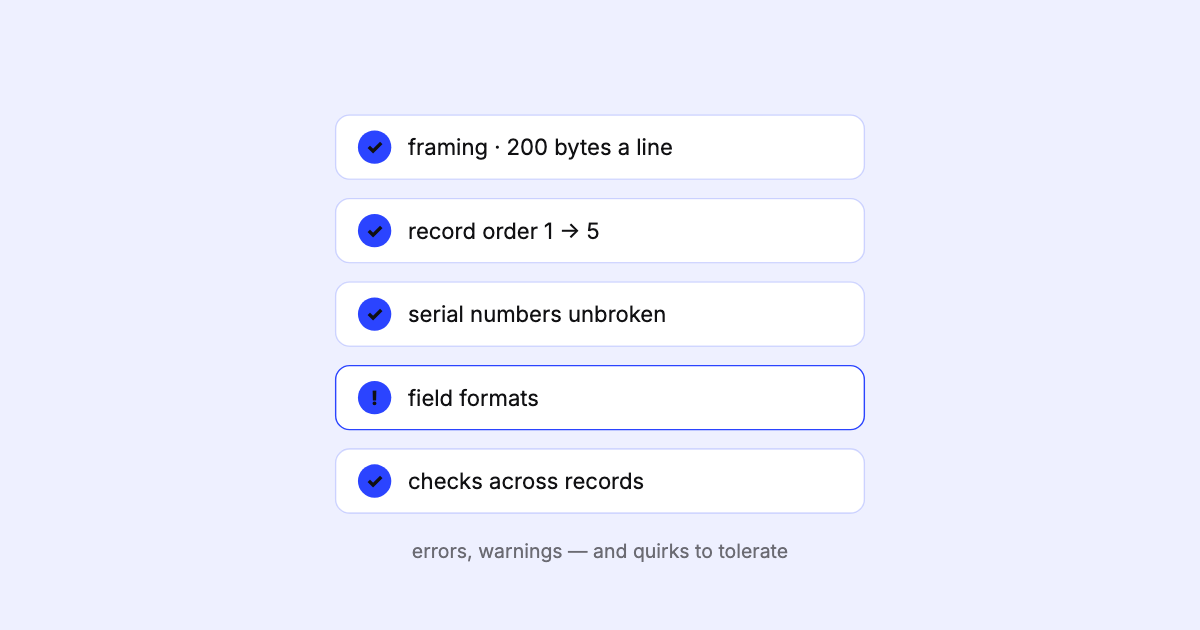
An SSIM schedule can be wrong without ever raising an error. What goes wrong in real files, what it costs downstream, and why validation has to come first.
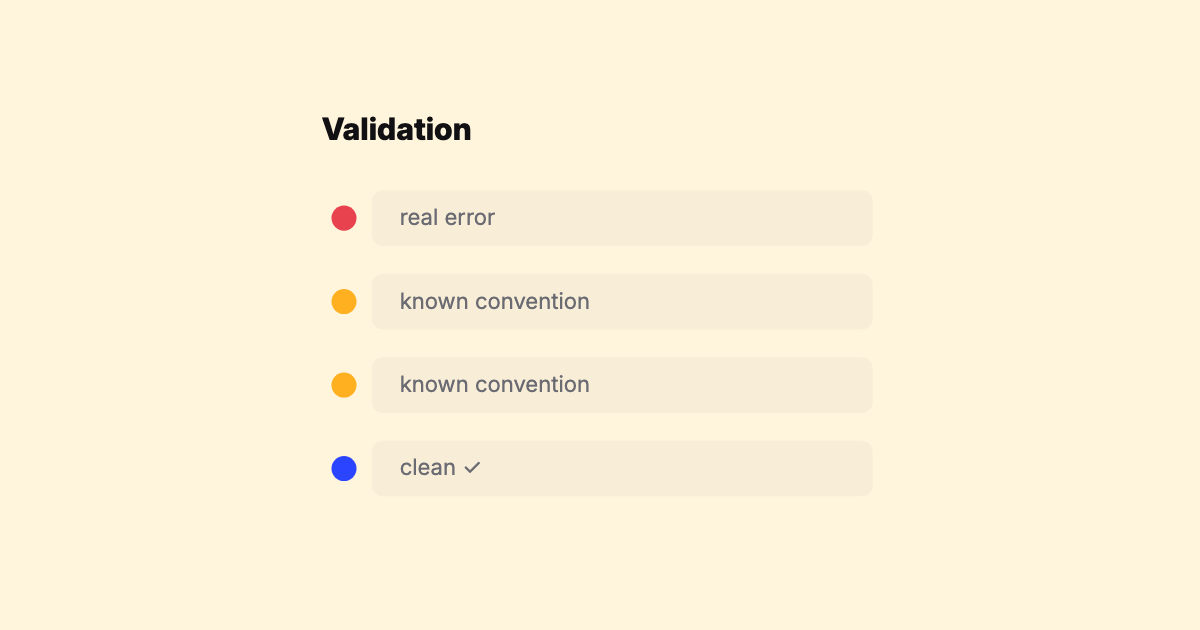
A field guide to the real-world quirks in SSIM feeds — time modes, overnight arrivals, DST, operational suffixes, season edges — that turn a 'simple' fixed-width parser into a maintenance treadmill.
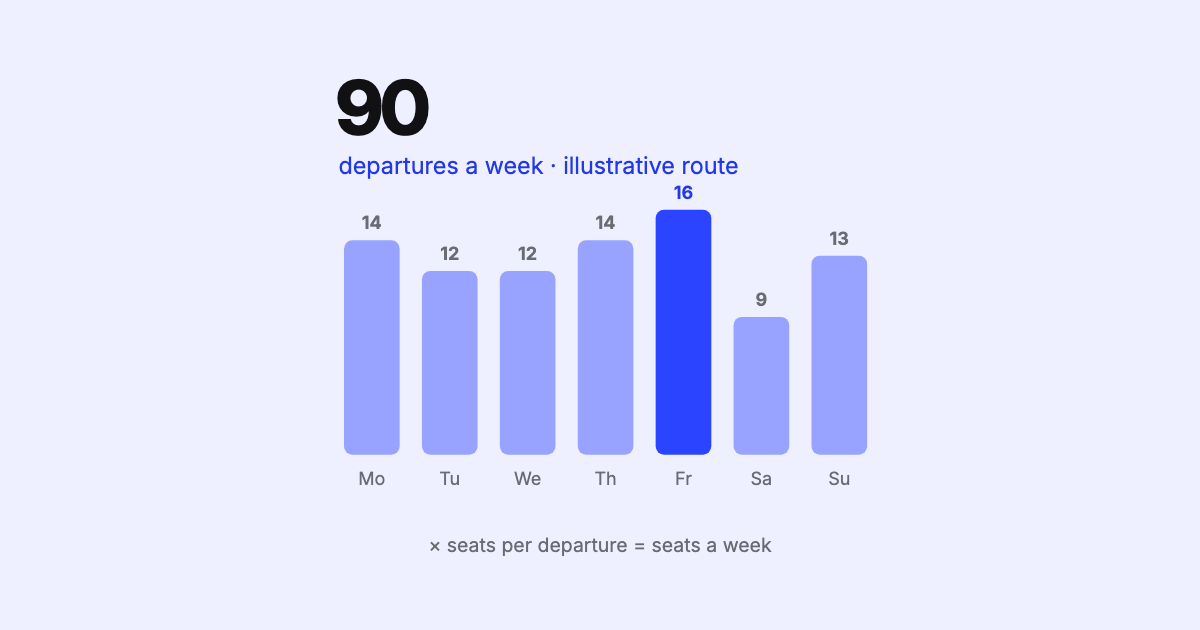
Weekly frequencies and seats are the first figures anyone wants from a schedule — and the ones most often wrong. The traps behind the numbers, and why they matter.