Sooner or later, schedule data has to leave the SSIM file and
join the rest of the business — in a warehouse, a database, or a lakehouse where analysts
and other systems can query it. That hand-off looks like plumbing, but doing it well is
what turns a schedule from a file you parse into an asset you analyse.
Two very different shapes
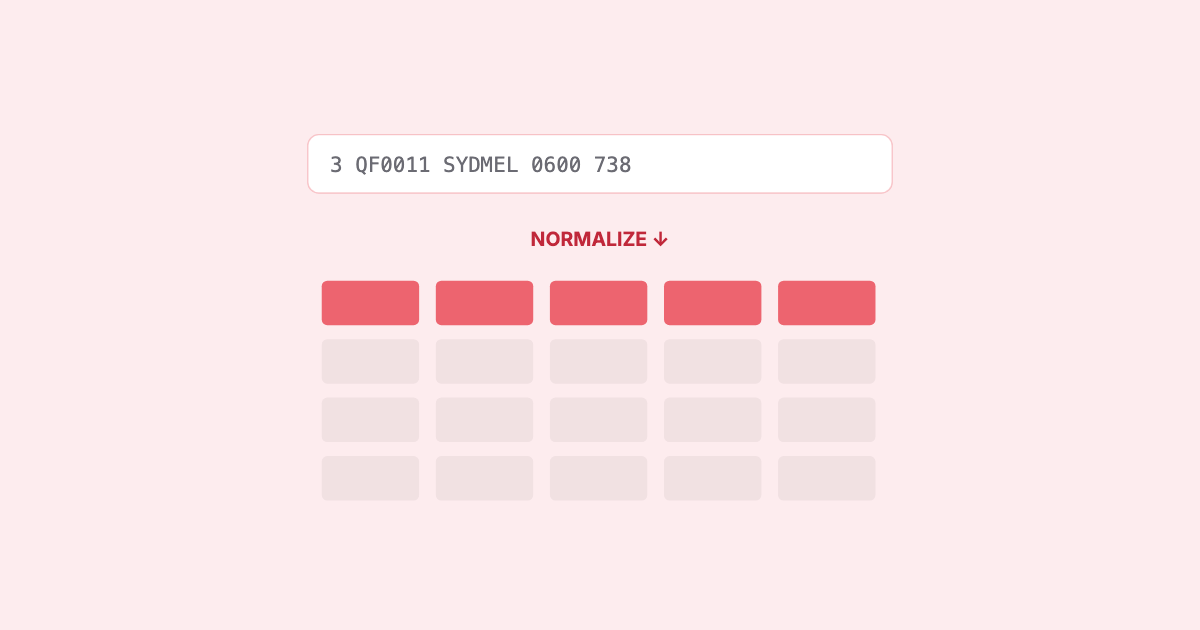
A Chapter 7 record is optimized for exchange:
fixed-width, positional, compact, one row per leg with segment data trailing. An analytics
store wants the opposite: typed columns, explicit values, and a shape that’s cheap to
filter and aggregate. The gap between them is the normalization job.
| SSIM (exchange) |
Warehouse (analytics) |
| Fixed-width text, positional |
Typed columns (int, date, enum) |
| A leg pattern over a period |
Rows the query layer can group/join |
| Local times + mode + offset |
Normalized (UTC + local) |
| Codes (IATA equipment, DEIs) |
Resolved / mapped values |
What “good” normalization does
- Type everything. Dates as dates, times as times, days-of-operation and equipment as
typed values — not strings a downstream query has to re-parse.
- Expand deliberately. Decide whether you store the pattern (compact) or the
expanded operating dates (query-friendly) —
each has a cost; pick on purpose, not by accident.
- Normalize time. Carry UTC and local so cross-timezone analysis is correct without
every query re-deriving offsets.
- Keep provenance. Retain enough to trace a row back to the source leg and the
trailer-verified file it came from.
Columnar, compressed, partitioned
Schedules are wide, repetitive, and huge — exactly the profile columnar formats were built
for. Storing normalized rows as a columnar format (e.g. Parquet), partitioned by
the dimensions you filter on most (carrier, season, period), and compressed, gives you
two wins at once: aggregations scan only the columns they need, and partition pruning skips
the data they don’t. Analytical queries that would crawl over a row store run quickly over
columns — and an embedded engine can query the files directly, no heavyweight cluster
required.
warehouse/
  carrier=QF/season=W26/  legs.parquet   ← columnar, compressed, typed
  carrier=QF/season=S26/  legs.parquet
  …partition-pruned + column-projected at query time
The exchange format is built to travel; the analytics format is built to be asked
questions. Normalization is the translation between the two.
Doing it right — and privately
The other requirement is that this often shouldn’t leave your environment. Schedule data
is commercial; the ideal is to normalize and export it
locally, into the shape your warehouse,
database, or object store already speaks, without shipping the raw file to a third party
first.
That’s exactly one of SSIM Toolkit’s jobs: read the schedule faithfully, and hand it off
as clean, typed, partitioned data your stack can query — carrier-partitioned Parquet, a
relational target, or a bucket for your analytics — deterministically, on your machine.
The parsing stops being a project; the schedule becomes just another well-modelled table.