


Why SSIM files fail quietly — and why validation matters
An SSIM schedule can be wrong without ever raising an error. What goes wrong in real files, what it costs downstream, and why validation has to come first.
The last line of an SSIM file — the record type 5 trailer — is easy to ignore, and it's how you know the file arrived whole. Here's what it carries and why checking it is basic hygiene.
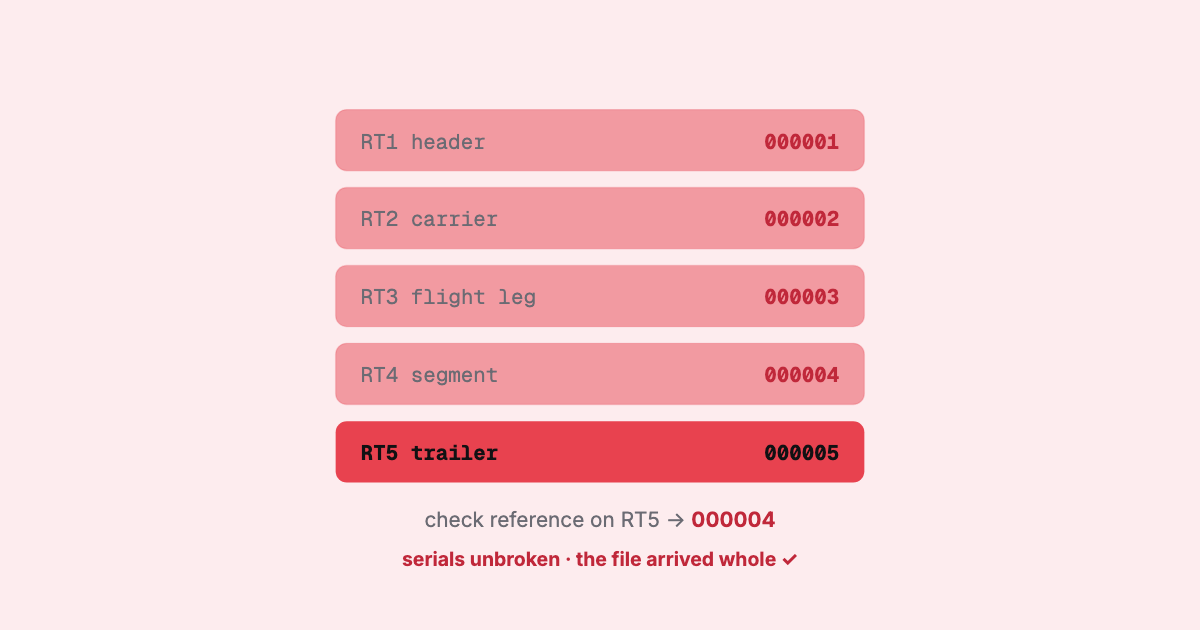
Most of the attention in an SSIM file goes to the middle — the flight legs, the segment data, the fields you actually query. The last line barely gets read. That’s a mistake. The trailer record is the one line in the file whose entire job is to tell you whether everything above it arrived intact, and skipping it is how a truncated feed becomes a silently wrong schedule.
In the SSIM record types there are five, stacked in order: a header, a carrier record, the flight legs, their segment data, and — right at the bottom — the trailer, record type 5. It’s the end marker. When you reach it, that airline’s schedule is over; a file holding several airlines has one block, and one trailer, for each.
Read as a story, a small file goes:
1  Header    file title / general header
2  Carrier   QF · northern winter 2026 · time mode = Local
3  Leg       QF0011 · SYD→MEL · daily · 0600/0730 · 738
4  Segment   QF0011 · codeshare · traffic restriction
3  Leg       QF0012 · MEL→SYD · daily · 0815/0945 · 738
5  Trailer   end marker · serial check reference
The header opens the file and the carrier record names the airline and season. The trailer closes it — and unlike the header, it carries a number you can check your own parse against.
The trailer is a fixed-width, 200-byte line like every other record in Chapter 7. It works together with one field that every record carries:
The principle is old and simple: number every line, and have the file say at the end which line came last, so the receiver can confirm it got all of them, in order. It is a checksum in the plain sense — not a cryptographic hash, but a sequence that has to run unbroken.
The trailer is the file naming its own last line. If that isn’t the last line you read, the disagreement is the finding — stop and look.
The reason the trailer earns its keep is the nature of the format itself. SSIM has no delimiters and no framing beyond position. A JSON document that gets cut off mid-array fails to parse — the syntax breaks and something complains. A fixed-width flat file that loses its last thousand lines parses perfectly. Every line that did arrive is still a valid 200-byte record. The file just quietly contains less schedule than it should.
That’s the failure mode the trailer catches. A transfer that dropped a chunk, a copy that ran out of disk, a feed that a process wrote only half of — none of them announce themselves. The rows you have look complete and correct. The only signals that something is missing are in the numbering: a trailer that never arrives, a check reference that doesn’t name the record before it, or a gap in the serial numbers. The same numbering catches records that arrived out of order — a serial that goes backwards is as much a finding as one that skips.
Consider the cost when it slips through. A carrier’s schedule comes up short by a few thousand legs. Every downstream number inherits the gap: capacity looks lighter than it is, a market appears to have lost frequency, a station shows fewer departures than it operates. Nothing errors. The schedule is simply, invisibly, wrong — and you built decisions on it.
The trailer is the classic thing an in-house SSIM reader leaves for later. It’s easy to see why. The interesting work is the flight legs; the trailer feels like ceremony. A first-pass parser reads records until the input runs out, hands back what it found, and moves on. It works on every file you test it with, because your test files are whole.
The gap only shows up in production, on the one feed that arrived truncated — and by then nobody is looking for it, because the parser never complained. “Read the whole thing, follow the serial numbers and check them against the trailer” is cheap to add and expensive to have skipped. It belongs in the same bucket as verifying the time mode before trusting a departure time: unglamorous checks that stand between you and a confidently wrong answer.
Reconciling against the trailer is the headline check, but it sits inside a broader habit of not trusting a file until it has proved itself:
999999 the numbering starts again at 000002), and each trailer’s check
reference names the record just above it.Individually these are small. Together they’re the difference between “I parsed a file” and “I parsed this file, completely, and it’s the one that was sent.”
This is exactly the kind of check that’s easy to describe and easy to leave out, so we built it in. SSIM Toolkit reads the whole file and validates against the trailer — confirming the serial numbers run unbroken and the file is structurally whole before it lets you explore, analyse, or export anything. If a feed arrived truncated, you hear about it up front, not three dashboards later. It runs locally, on your machine, on real airline-sized files.
The trailer isn’t ceremony. It’s the file’s own promise about how complete it is — and the one line you shouldn’t skip.
For the wider tour, start with what SSIM is and the record types read end to end; more on the Toolkit at /product/ssim-toolkit.
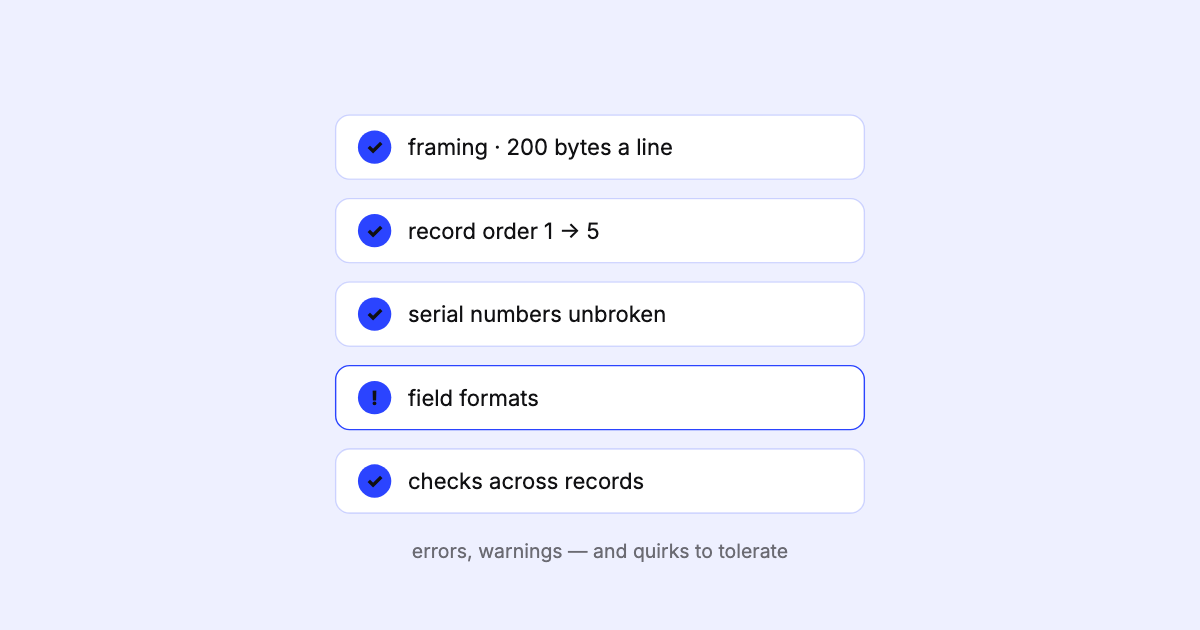
An SSIM schedule can be wrong without ever raising an error. What goes wrong in real files, what it costs downstream, and why validation has to come first.
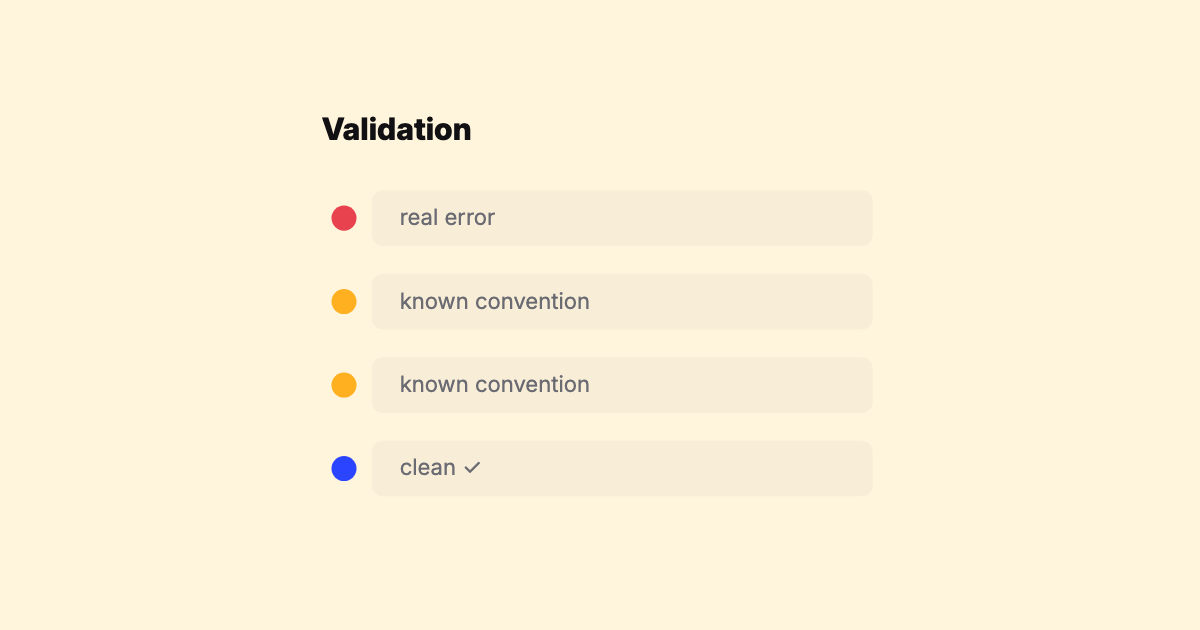
A field guide to the real-world quirks in SSIM feeds — time modes, overnight arrivals, DST, operational suffixes, season edges — that turn a 'simple' fixed-width parser into a maintenance treadmill.

A field-level walk through the SSIM record types — header, carrier, flight leg, segment data, and trailer — with a sample file, the fields that matter, and the gotchas that bite parsers.